First, you enter which activity type will be checked. Then you type in the notification time, meaning how many hours and minutes before the activity the reminder e-mail should be sent.
Next you enter a subject for the e-mail, for example "Important call". Then you have the possibility to choose an e-mail template. Open the dropdown list and the reports already created by you will appear. If you want to create a new report, click on the  symbol. You can find explanations about how to create reports in the chapter Reports. You might also delete (
 ) an existing e-mail template, copy (
 ) or edit (
 ) it. If you want to add an attachment, open the dropdown list and choose one of the already uploaded files. In order to add new attachments, click on the
  symbol. The following window appears:
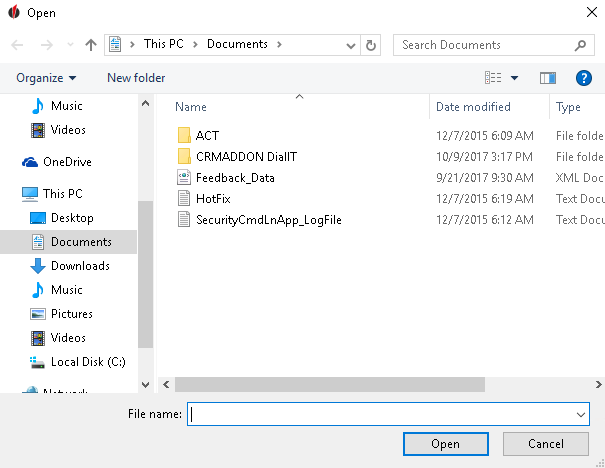
Now choose the desired attachment and click on Open.
You will now get back to the previous window, there your attachment will appear. If you want to delete an attachment you choose it and then click on the  symbol.
Now you decide whether you want to send the e-mail in the .txt-format, the .html-format or the .rtf-format.
Next you have the possibility to save the settings by clicking on the symbol. If you want to delete them again, go on the symbol.
You can also run a test for the reminder e-mail. For that, click on the  symbol.
In the end you go on Next.
Continue reading in the chapter Advanced Settings.