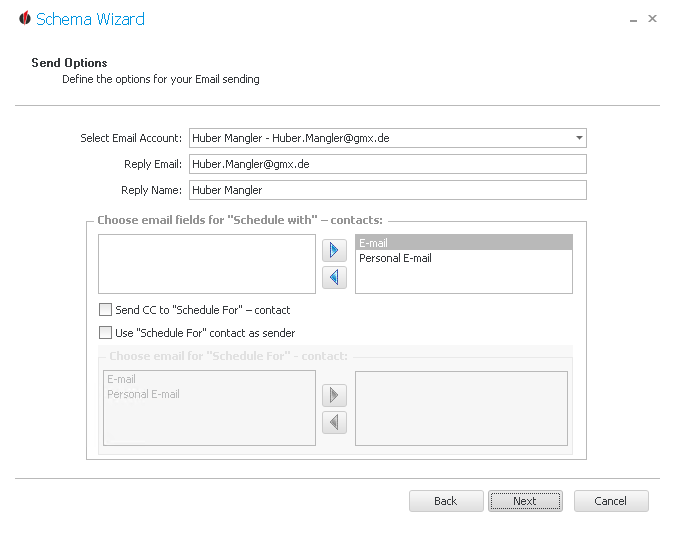
First you choose an e-mail account. Then you enter the e-mail address you want to send the reply with as well as the name that will appear in the mailbox.
When you create an activity in Act! you have the "Schedule with" contact who the activity is planned for. Usually, that is your own contact. With the arrow buttons 
 you can now choose if the reminder e-mail will be sent to the private or to the business e-mail address. The e-mail address you have decided on should be moved to the right column.
You will then have the possibility to send a copy of the e-mail to the "Schedule for" - contact or to use the Schedule for contact as a sender. In Act! you can use the Plan/Schedule For option besides the Plan/Schedule With option. This way you can plan activities for other record managers.
Once you have chosen one of these options you have to state whether to use either the private or the business e-mail. By using the arrow buttons 
 you can move the desired e-mail address to the right. In the end, you click on Next.
You will get to the Notification details.