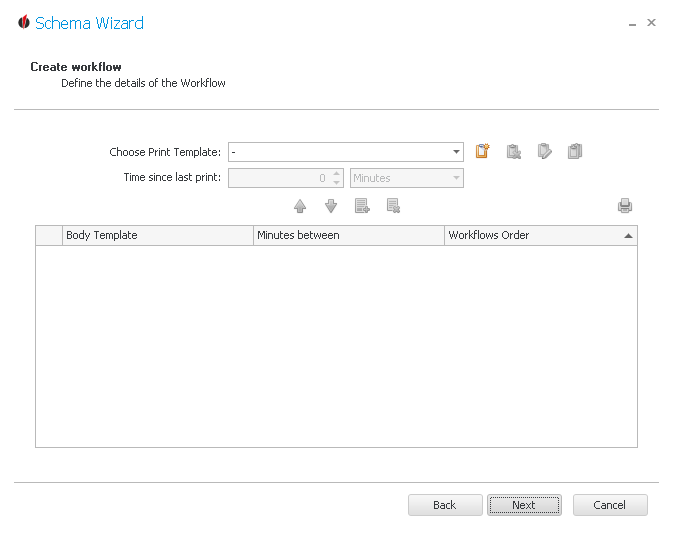
First you choose a print template. If you want to create a new template, click on the  symbol. You can read about how this works in the chapter Reports.
To delete a report click on the  symbol. For copying it you can go on the
  symbol and for editing on
  .
.
Then you click on the  symbol in order to add a new workflow.
For the next print you can choose another print template, this time you also enter the time since last print.
Now you click on the  symbol again in order to add the print. You can repeat this as often as you want until you have your workflow as desired. If you want to remove a print again, you go on the
  symbol.
With the arrow buttons 
 you can change the order of the print commands.
If you are done click on Next. You will get to the Advanced Settings.