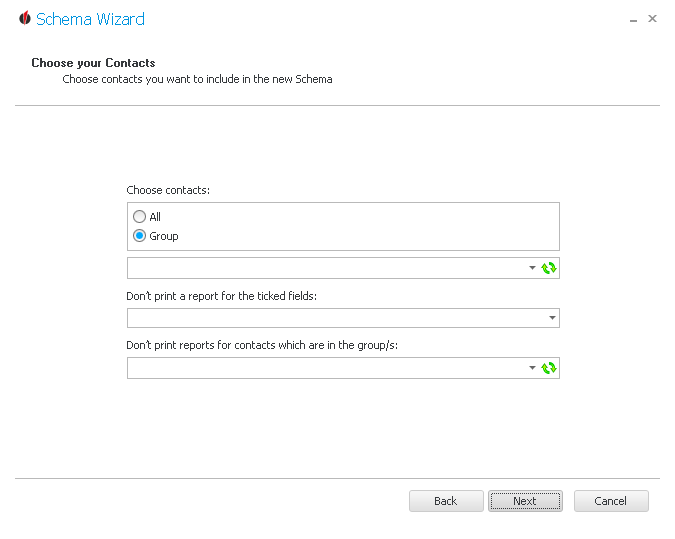
You have the possibility to either choose all contacts or to pick a certain group from the dropdown list.
Next you can state a field from Act! that limits the reports printed. For contacts that have those fields ticked no reports will be printed.
In the end you are able to pick a group whose contacts no reports will be printed for.
If you click on Next, you get to the window Create workflow.