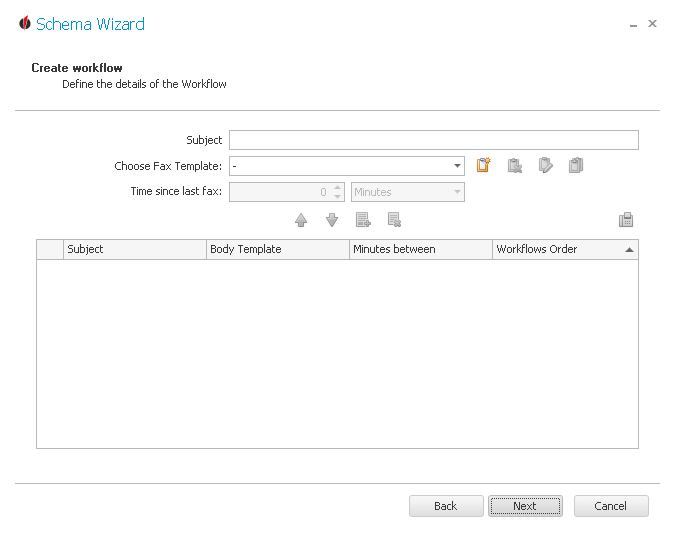
First you enter the Subject for the fax. Then you choose a fax template from the list. In case you want to create a new one click on the  symbol. You can find explanations for that in the chapter Reports.
You are able to delete templates by going on the  symbol, copy them with the
  symbol or edit templates with the
  symbol.
Then you add the first fax to the workflow by clicking on the  symbol.
For the next fax you enter another subject and choose a report. Now you have to state the time since the last fax, for example two hours. You add the fax with the symbol again. If you want to remove an element from the workflow click on  . The following window appears:
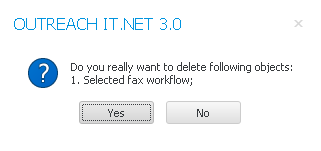
Click on Yes. The element was deleted successfully.
You have the possibility to change the order of the elements by using the arrow buttons 
 .
.
In order to test the workflow click on the test fax symbol:
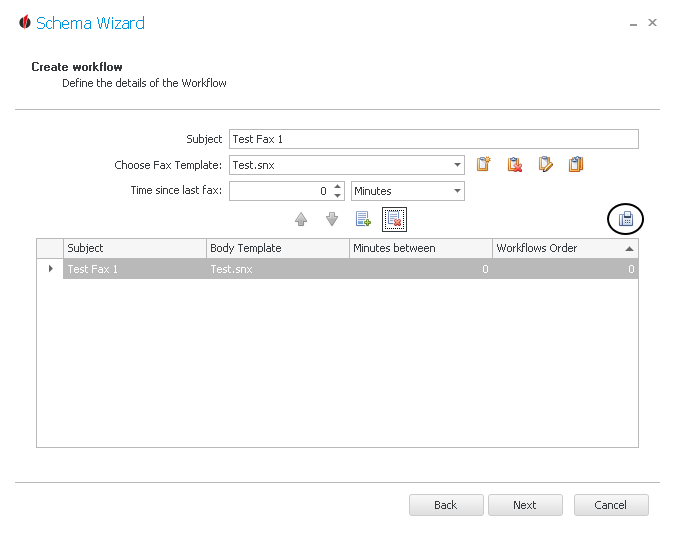
Once you are done, click on Next. You will now get to the Advanced Settings.