You get to the following dialog via the Local Settings button in the Connection window or via the tool symbol in the OUTREACH|IT itself (see User interface):

In the tab OUTREACH|IT Users you can create and delete users. With the + symbol you create a new user. Enter a user name here:
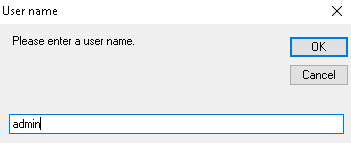
Then click on OK. You have created a user.
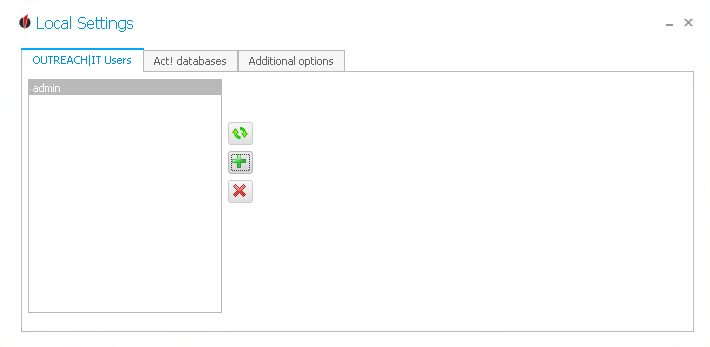
You can always create new users with the + symbol and delete selected users with the X. By clicking on the  symbol you update the list.
Next, you connect your Act! databases.