Before using OUTREACH|IT you should make some settings.
Click on Local Settings.
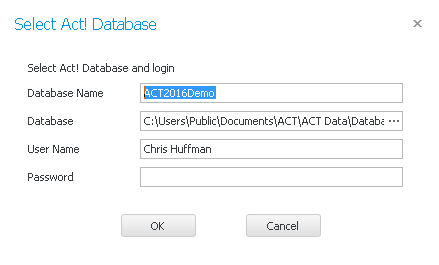
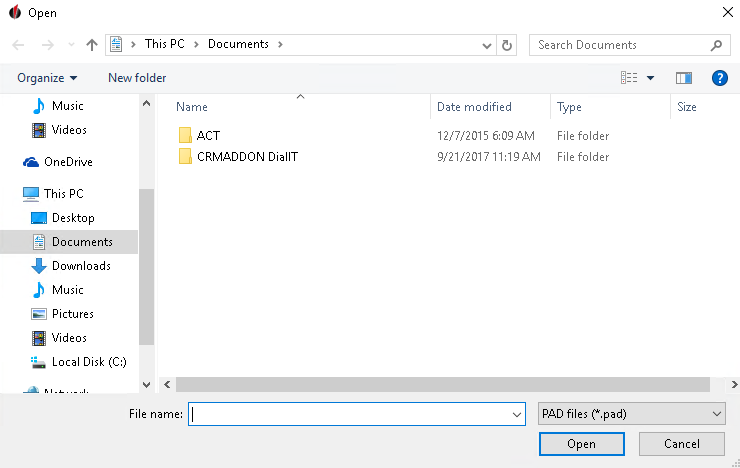
If you have a local database OUTREACH|IT will insert it automatically. Otherwise you enter the data manually. First, type in the Database Name and the choose the storage location of this database by clicking on the three dots ... :
Click on Open. Then enter your User Name and your Password. Then go on OK. The following window will open:
Now proceed step by step to configure OUTREACH|IT:
•Connect OUTREACH|IT with Act!
You can find out about how to log in after the configuration in the chapter Log in to OUTREACH|IT. |