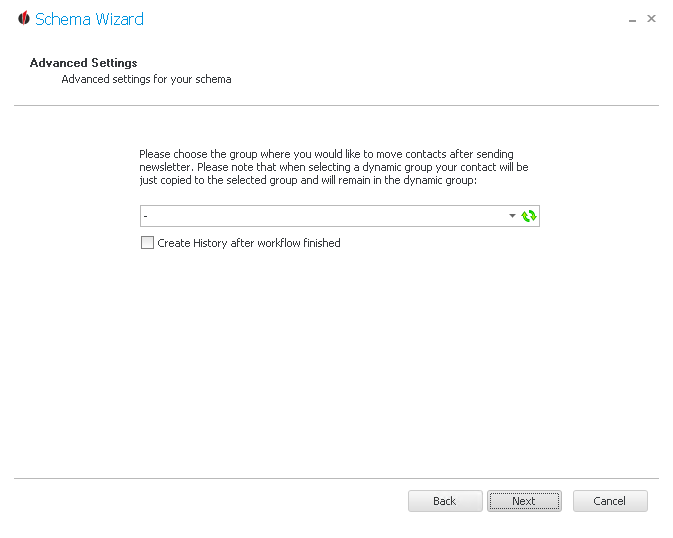
In this dialog you can choose a group the contacts will be moved to after the newsletter was sent to them. When trying to move contacts from a dynamic group to another group the contacts will stay in the dynamic group and will be copied to the new group.
That way you can easily look up in Act! which contacts you sent the newsletter to.
Furthermore, you have the possibility to create a history after completing the workflow.
In the end you click on Next.
You can find out how to create activities in the Activities chapter.