If you don't want to run only one import but all of them at once you click on Run all schemas.
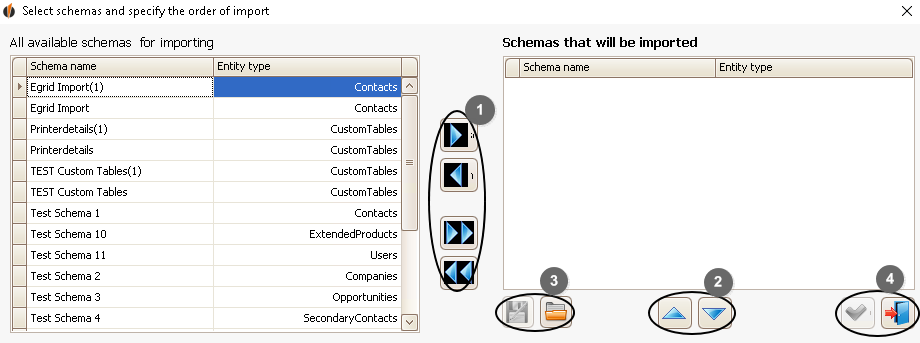
With the arrows (1) you can move the schemas you want to import to the right side and the schemas you don't want to import ot the left.
You can change the position of the schemas by using the arrows on the right (2). They will be imported in this order later on.
As soon as you have decided on an order and choice of schemas you can save everything with the Save symbol (3). You can open this file for the next import with the File symbol (3).
If you are content with your settings click on the Checkmark symbol (4). Otherwise click on the Door symbol (4) to cancel the operation.
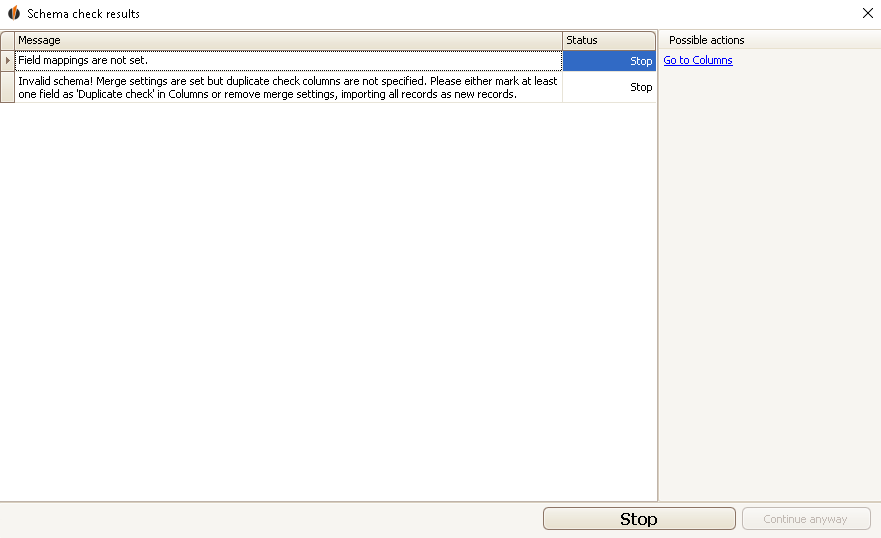
If one of your schemas has incorrect settings it will be pointed out to you. You can then either click on Stop or Continue anyway (if the mistake allows this).
The import will start as usual when all the settings are correct.
You can also cancel an import by clicking on the Cancel button. The following window will appear:
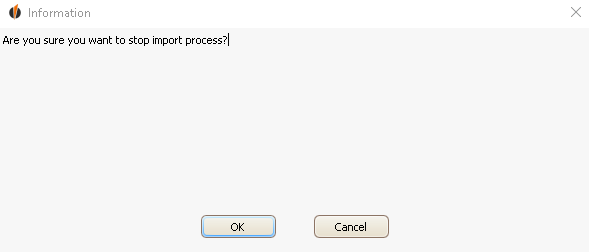
Now click on OK.
If you didn't stop the import you can check it in Act! and with the reports as well.

