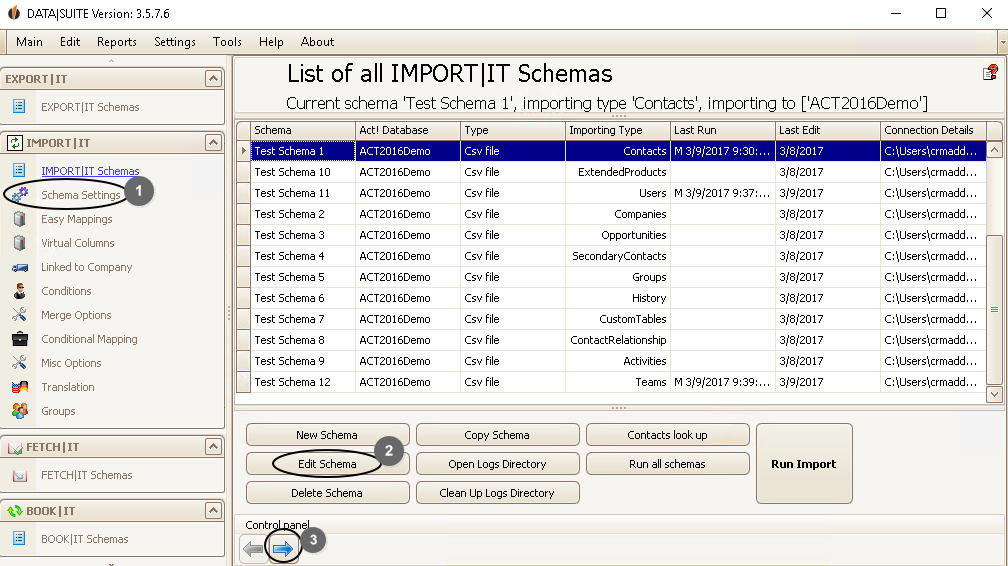
Once you have created a schema you might want to edit it again when it doesn't fit your needs anymore. Go to the list of IMPORT|IT schemas and double-click on the desired schema. You have three options. Click on...
1. ...Schema settings in the navigation bar.
2. ...Edit Schema.
3. ...the right arrow.
You will get to this window:
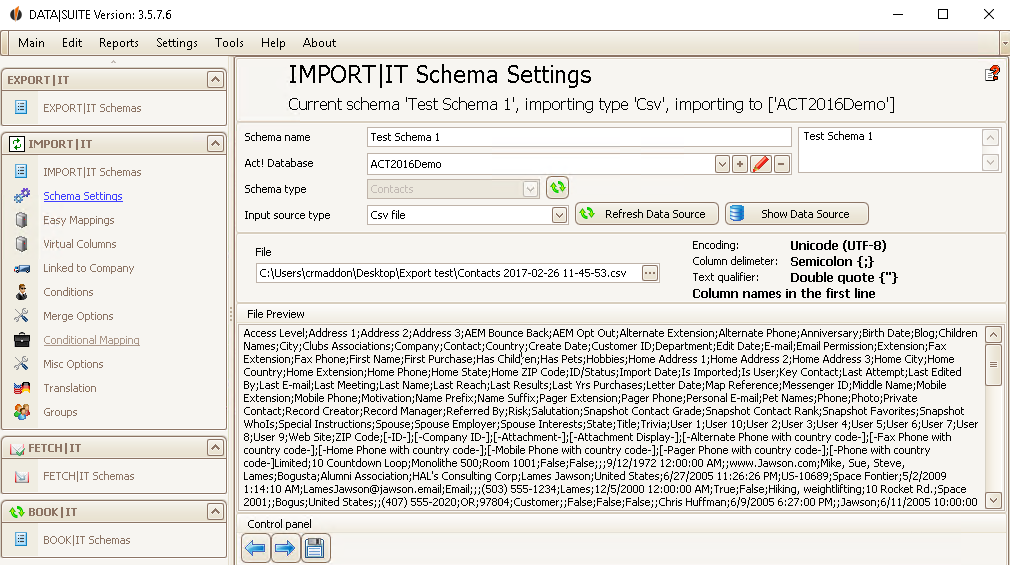
Alternatively you can get to this window by clicking on Edit > Edit schema.
In order to continue editing the schema you either click on the right arrow or on the desired on the navigation bar.
When you want to copy a schema go to the list of IMPORT|IT schemas first (IMPORT|IT schemas in the navigation bar). Then select the desired schema and click on Copy schema in the lower bar:
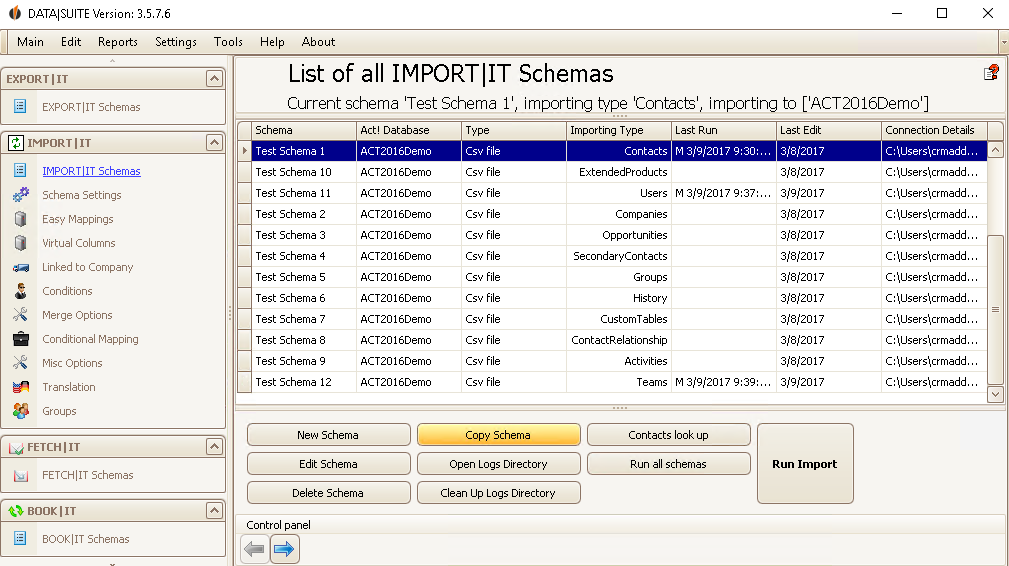
Alternatively click on Edit > Copy schema.
The following window appears:
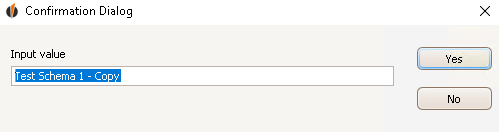
Enter a name for the copy and then click on Yes.
If you want to delete a schema go to the list of IMPORT|IT schemas first (IMPORT|IT schemas in the navigation bar). Then select the desired schema and click on Delete schema in the lower bar.
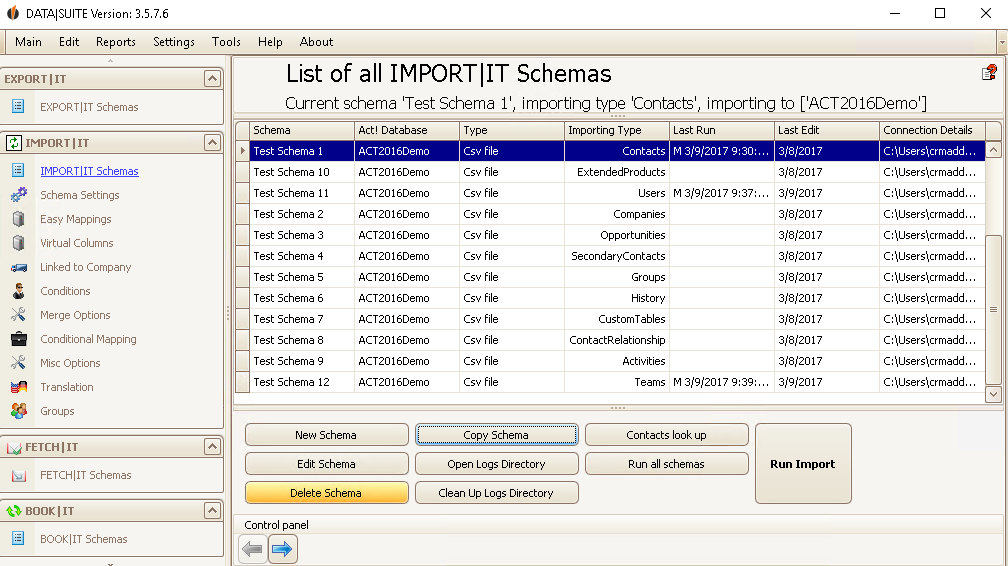
Alternatively click on Edit > Delete schema.
A window appears that asks you if you really want to delete the selected schemas. Click on Yes.
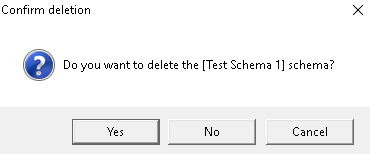
You have deleted the schema now!

