With this option, an activity for the sales employee can be created for every new opportunity, for example. Thus, he is reminded to contact the respective customer.
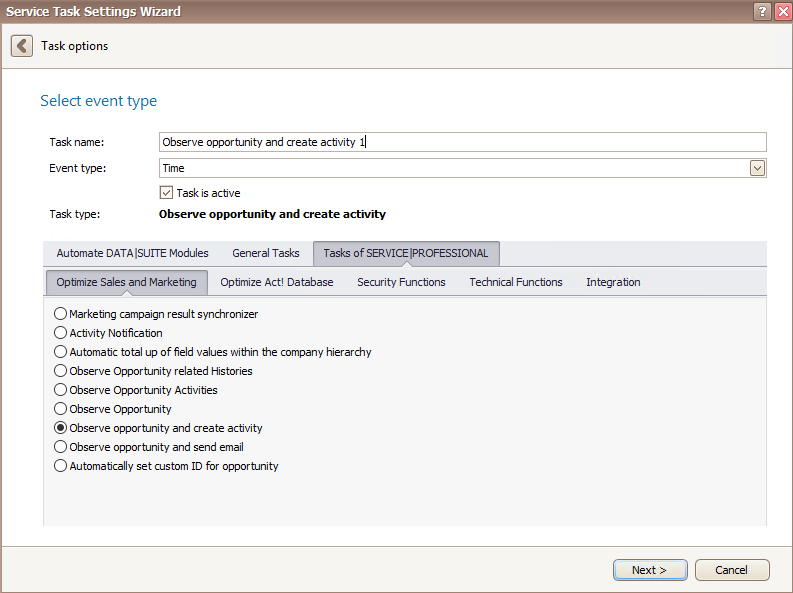
Once you have set the task type Observe opportunity and create activity you click on Next.
You will get to the schedule options. Continue reading in the Trigger Time / Trigger Task chapter to find out how to proceed.
Click on Next.
The following window will open:
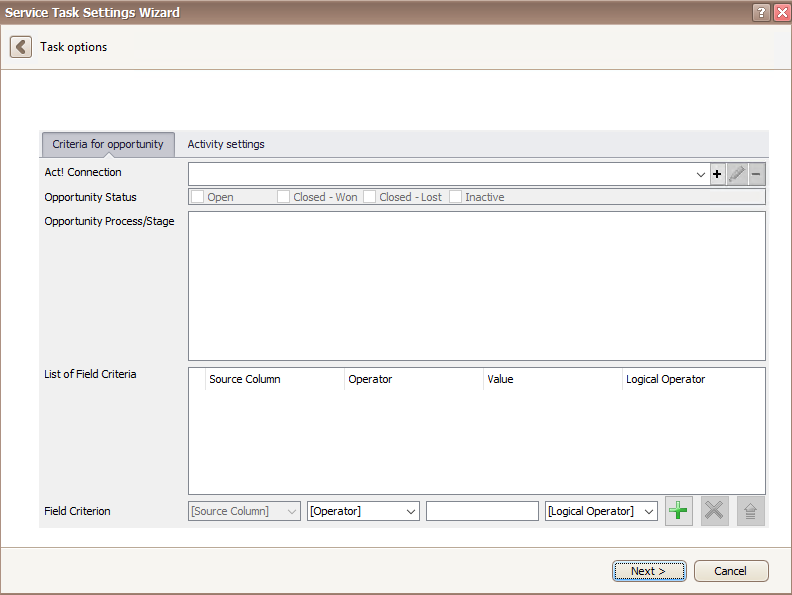
1. "Criteria for opportunity" tab
If you set everything according to your wishes, click on Next.
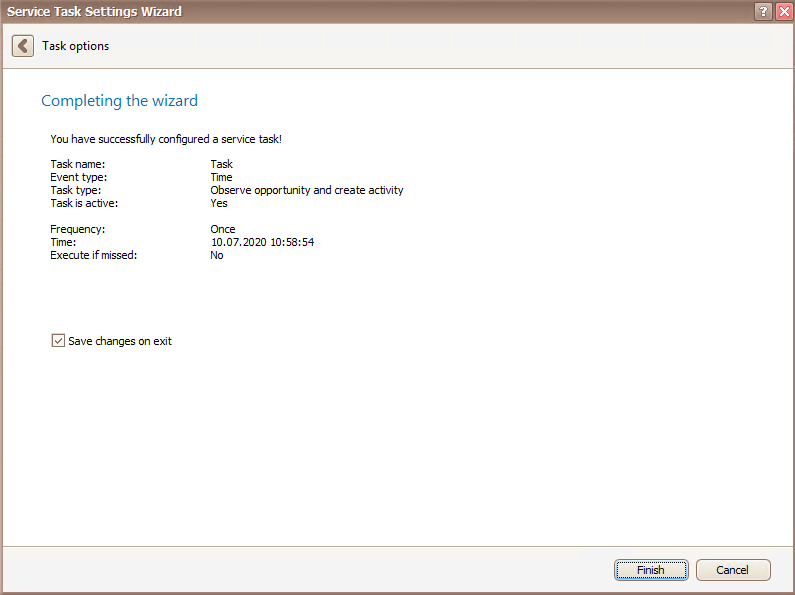
In the end you click on Finish. You created a task for observing opportunities and creating activities.

