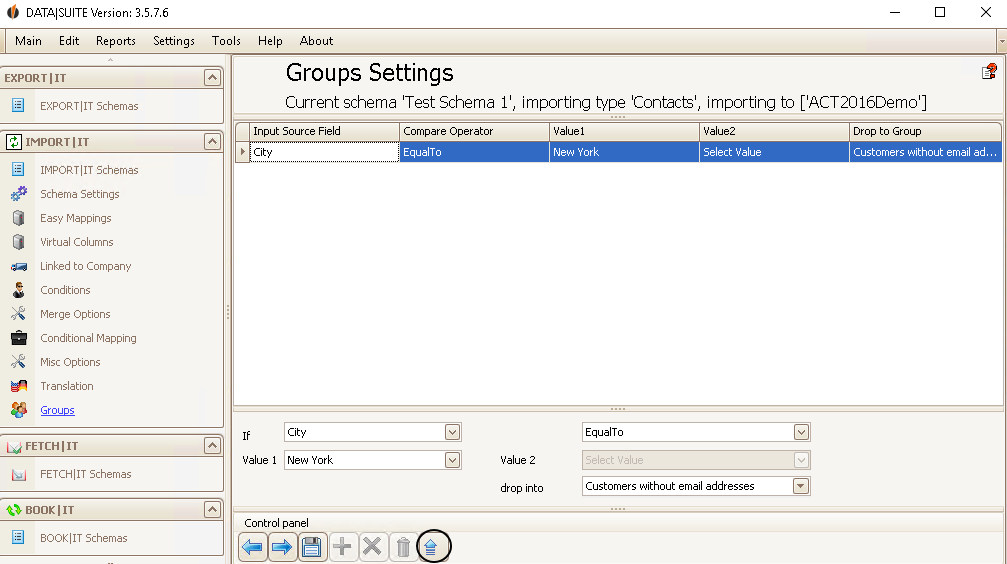
If a source field (e.g. company) contains/begins with/etc. a certain value then this value will be imported to the chosen group.
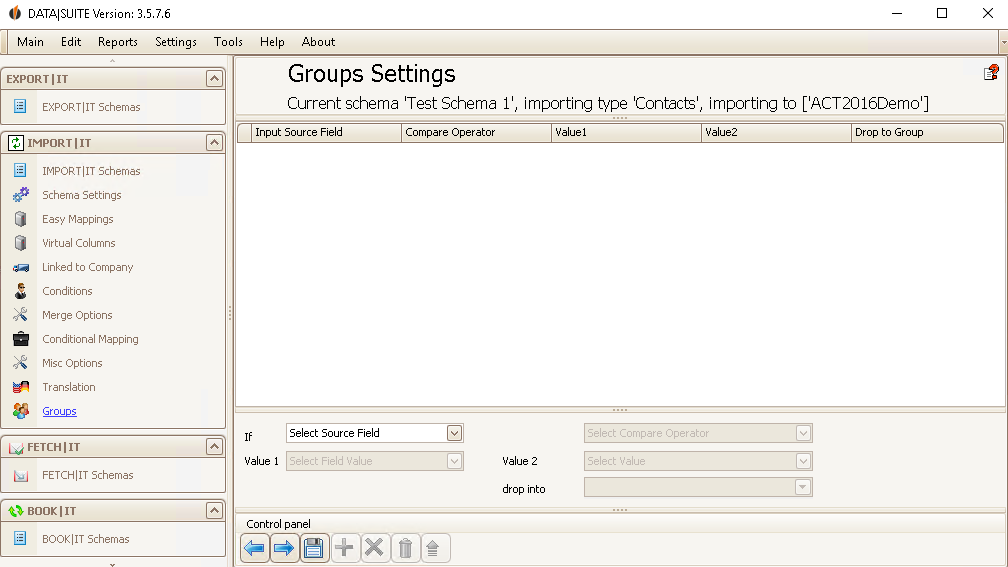
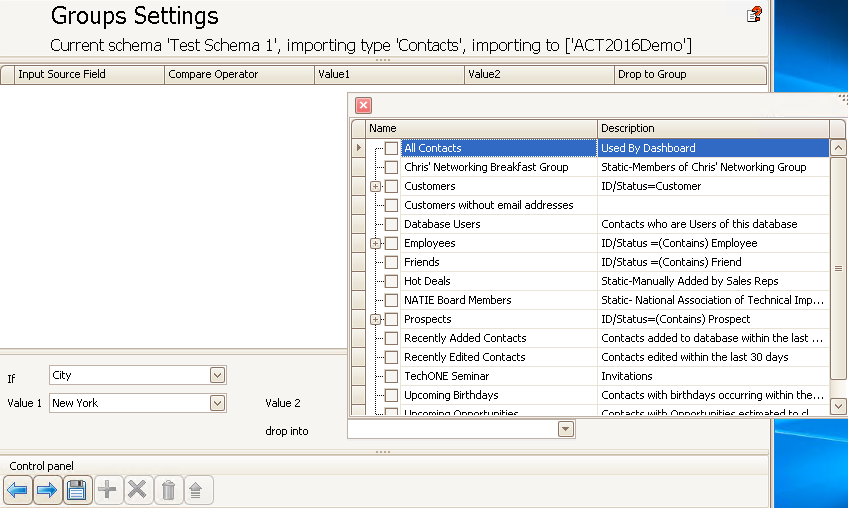
After If you enter the source field. Then you decide on a Compare Separator. You can now enter a value. You can also enter a second value for some separators. In the end you choose the group it will be imported/dropped to.
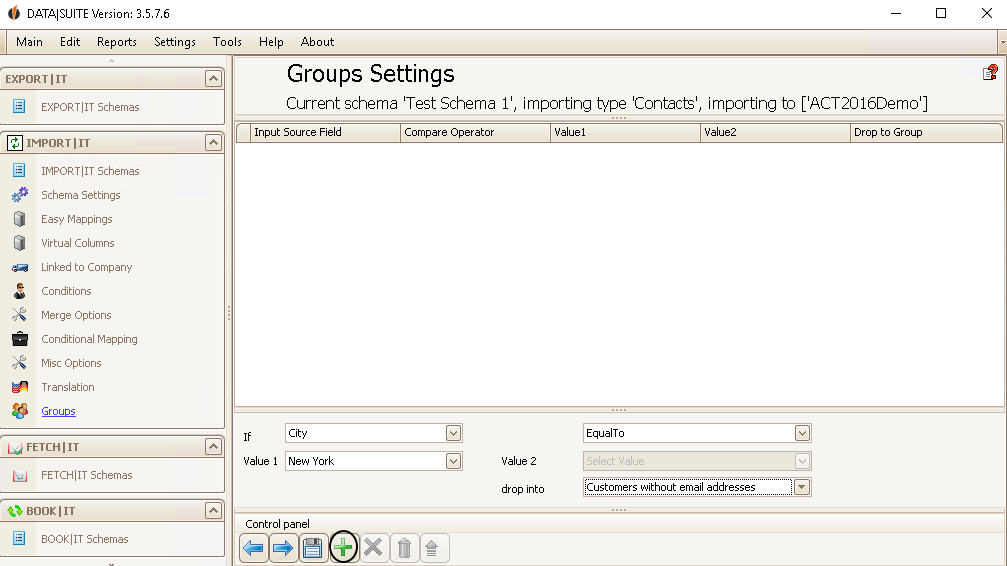
Finally you click on the green + in order to add that setting.
If you have selected a setting you can delete it with the red X; with the trash bin icon you can delete all of the rows.
Double click on one of the settings to edit it. With the
As soon as you have edited everything according to your wishes you can click on the Save symbol.
You have now successfully created your import schema. If you want to know how to run a schema then continue reading in the chapter Run import. |
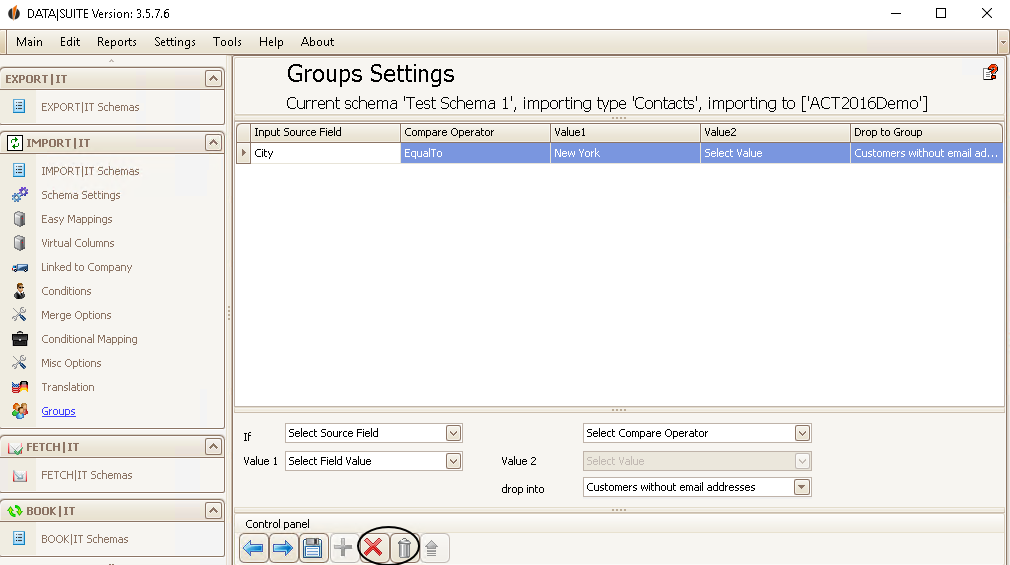
 button you can update it.