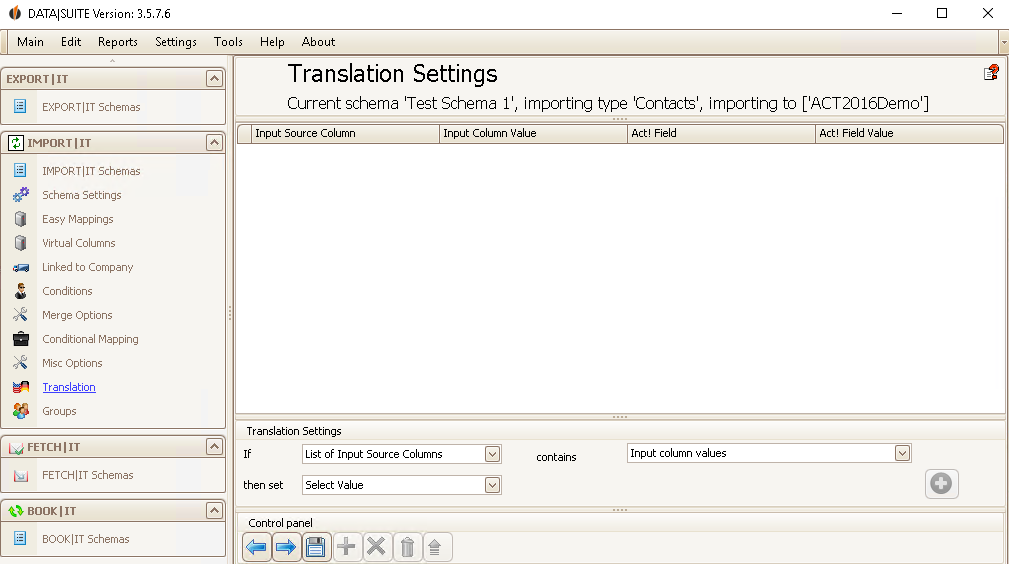
Here you can change values from your source file so that you import a different value.
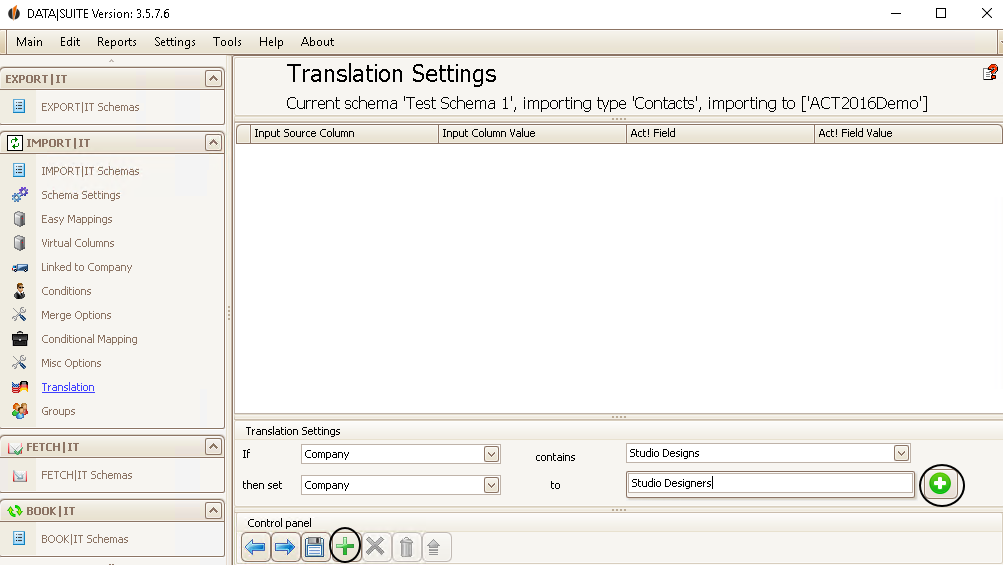
First you set the Input source column (e.g. City) and then the Input column value (e.g. Boston). What happens with that value can be set in the next row. You can choose the Act! field in which it will be imported as well as the value that will now be entered during the import instead of the Input column value. The value field will appear after you have set the previous three fields.
If you want to import activities you have the field Duration. For the duration in minutes you can use the following units: XY m/min/mins/minute/minutes/Minute/Minuten. For duration in hours these are the available units: XY h/hr/hrs/hour/hours/Stunde/Stunden. Duration in days can be entered in these forms: XY d/day/days/Tag/Tage.
Click on one of the two +, when you want to add your translation.
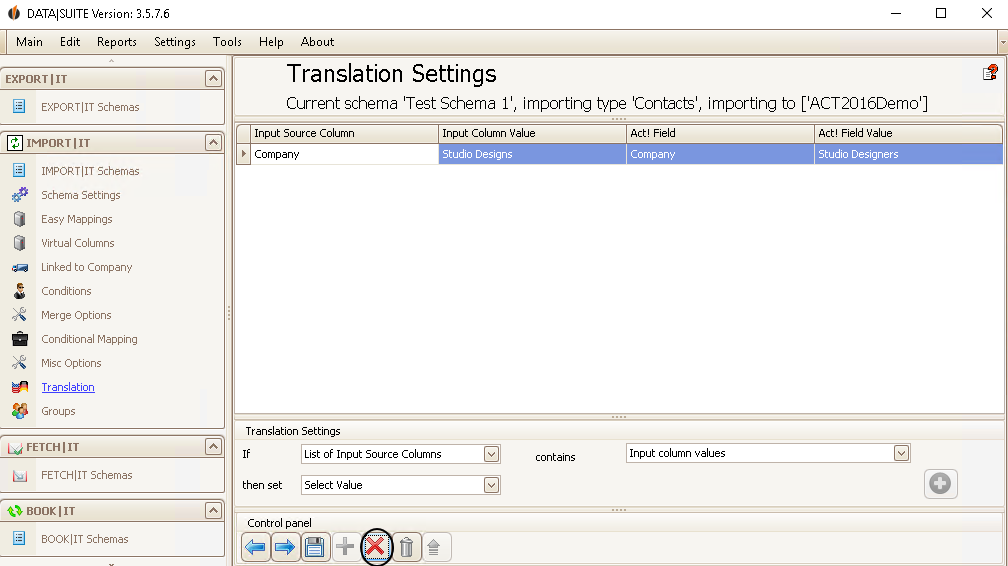
In order to delete a translation select it and click on the red X.
With the trash bin icon next to the red X you delete all of the rows.
If you have set everything according to your wishes click on the Save symbol.
The next and last step are the Groups. |