When you see the list of IMPORT|IT schemas and have selected a contact schema, then the button Contacts look up appears. With this function you can look at all of the contacts in the Act! database you want to import to.
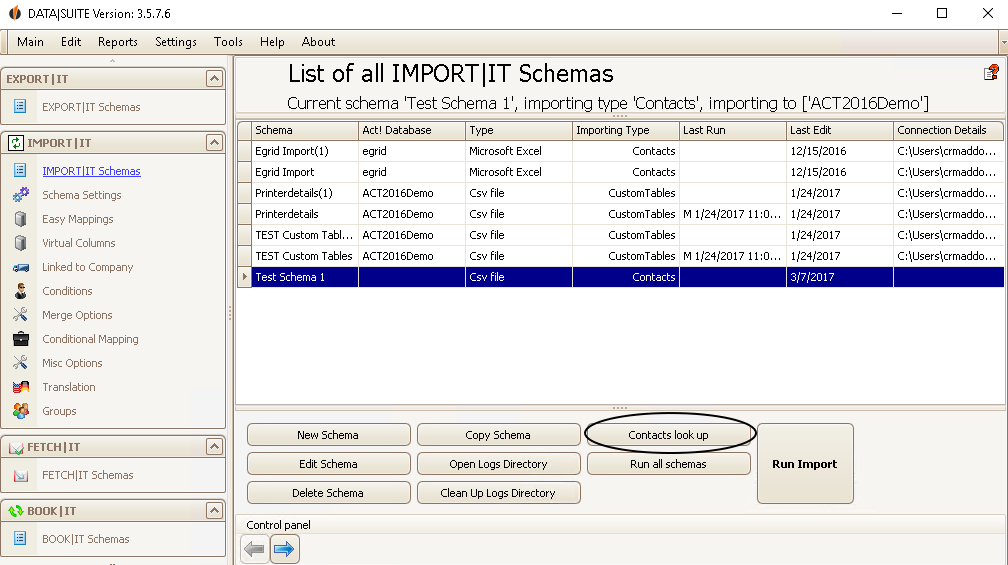
As soon as you click on Contacts look up the following window appears:
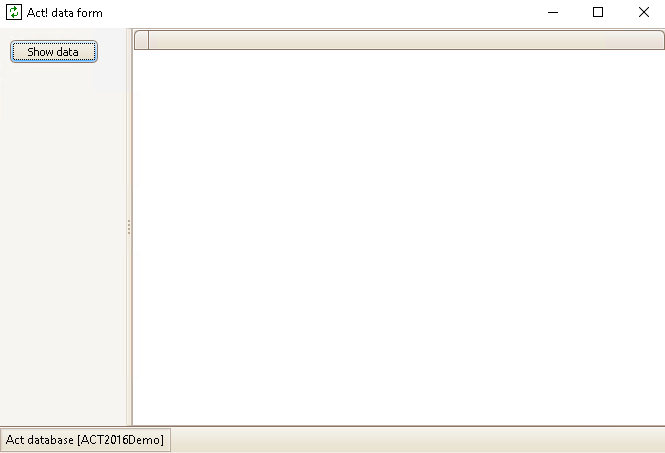
Click on Show Data:
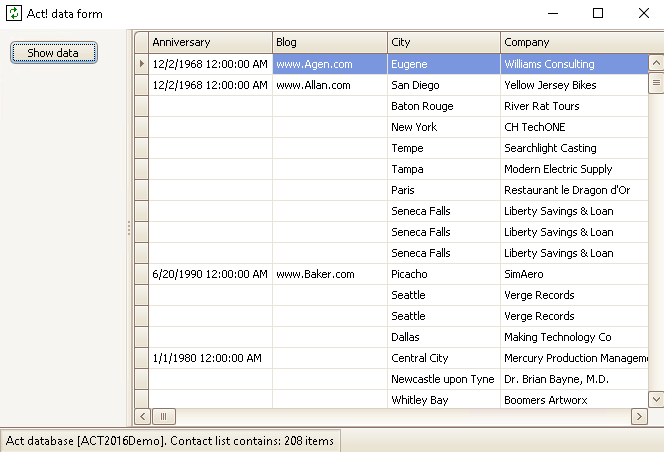
Now you can see the contacts.

