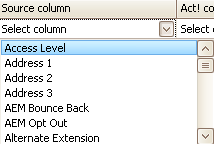
If you click on the white field below Source column a dropdown list appears:
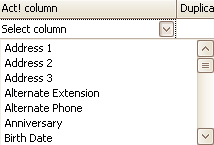
Here you choose a column from the source file (for example Address 1). After that you click on the white field below Act! column:
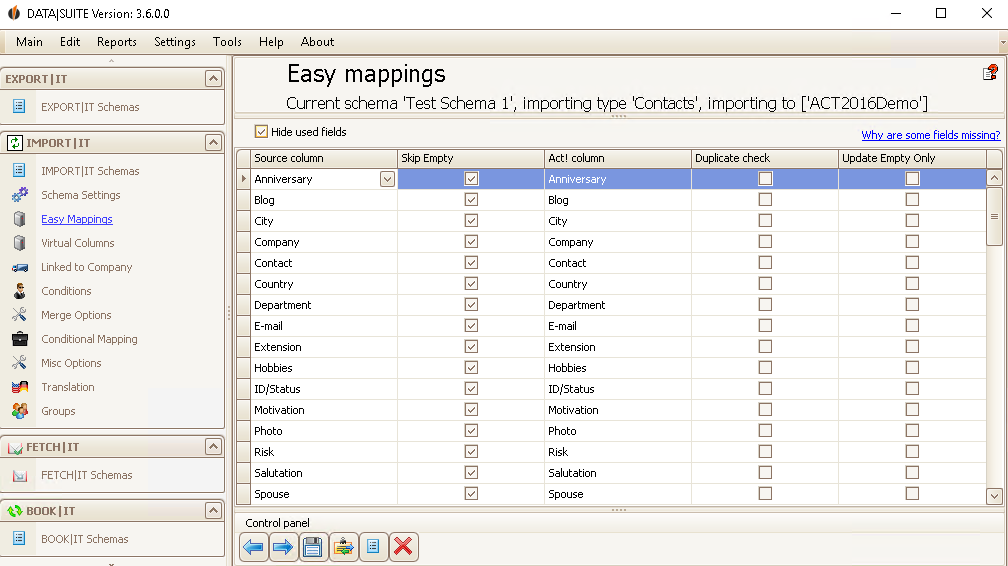
When doing easy mapping you assign the columns in your source field to the corresponding columns/fields in Act!. You have to do this manually since not all the field/column names are equal when containing the same information. For example, in Act! the name is separated in first name and surname. In your source file it might be called first name and name (instead of surname). Thanks to the easy mapping the program knows exactly where to import to the information in Act!.
If you want to import the UID (=Unique ID) of a previously exported contact record as well (more information about the UID in the overview of the IMPORT|IT manual), you can not assign it in the Easy Mappings section but in the Merge Options section.
You can also choose whether or not to look for duplicates. What happens with the found duplicates you can decide in the Standard settings.
If you only want to update empty fields in Act! you are able to tick that as well.
You can also skip empty fields when ticking that.
You have the opportunity to run auto mapping. Click on this button in the main window: The fields will now be assigned automatically as well as possible. The ones that couldn't be assigned can still be assigned manually.
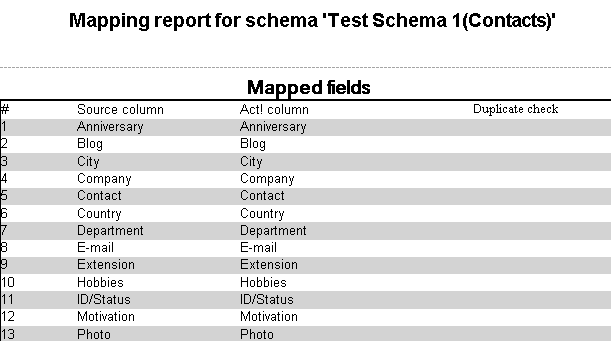
The button next to that one enables you to create a Report about the fields/columns that you have assigned:
That is what such a report would look like:
You can print out this file if you go on File > Print. You are also able to send the report in an e-mail (File > Send via E-Mail) or export the document (File > Export document).
Via the link Why are some fields missing? you get to this page. Some fields aren't displayed because they are Read only fields, that means they cannot be edited.
If you have set everything according to your wishes you should click on the save symbol.
The next step are the Virtual Columns/Fields. |