With this task you can delete repeating company names. An example would be when you have the company Siemens with the subsidiary companies Siemens Germany, Siemens USA and Siemens China in your database. Then the program removes "Siemens" from the names of the subsidiary companies so that they are only called Germany, USA and China.

Once you have set the task type Delete repeating company names you click on Next.
You will get to the schedule options. Continue reading in the Trigger Time / Trigger Task chapter to find out how to proceed.
Click on Next.
The following window will open:
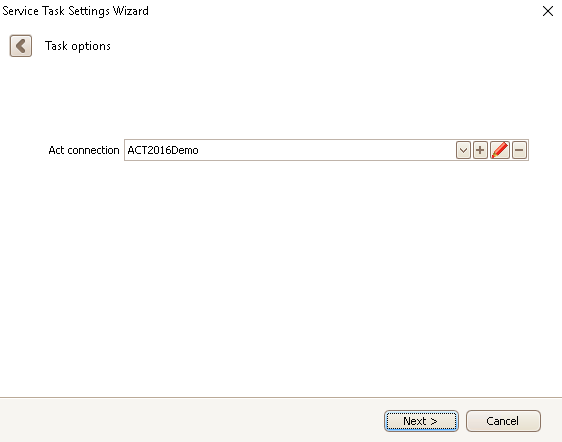
Choose an Act! connection. You can read more about this in the chapter Connect DATA|SUITE with Act!.

Click on Next.
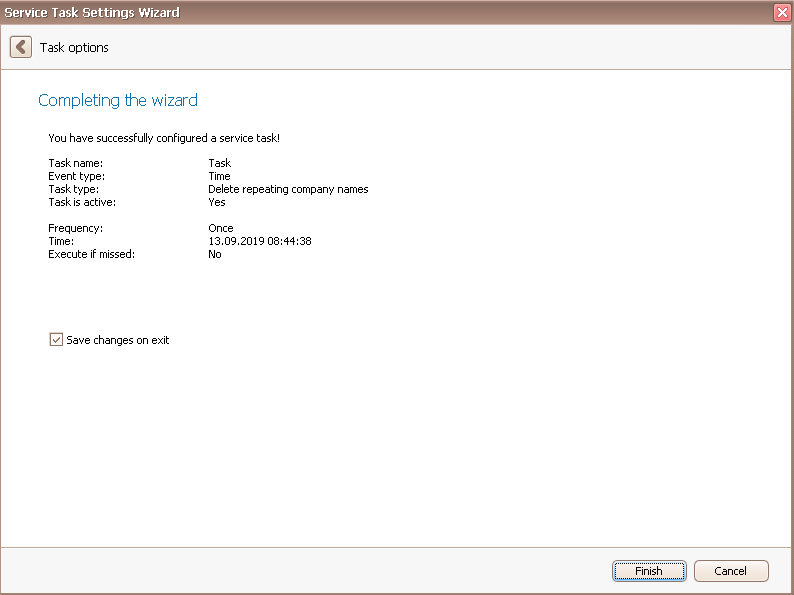
In the end you click on Finish. You successfully created a company name optimization task.

