If you re-install EXPORT|IT on the same computer your schemas will remain. However, if you deinstall EXPORT|IT on your computer and then install it on a different computer, they will not be there anymore.
The complete configuration of a schema includes the following steps:
1. Naming the database connection
4. Instances
To get to the EXPORT|IT schema settings go to the navigation bar and click on EXPORT|IT Schemas. You should see this in the main window:
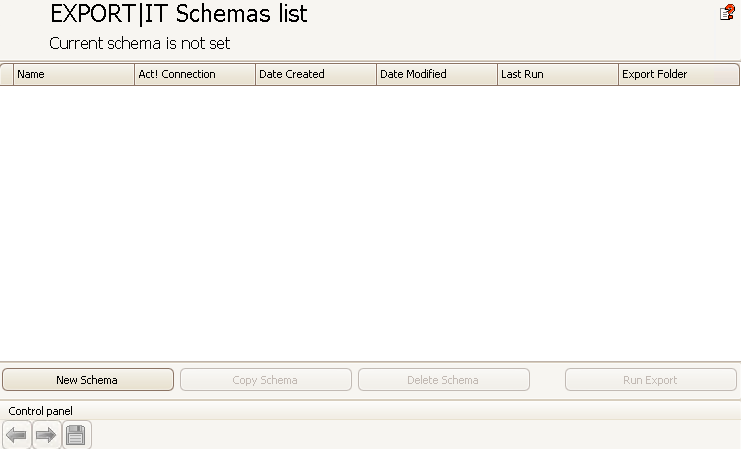
Click on New Schema. You will be directed to the following window:
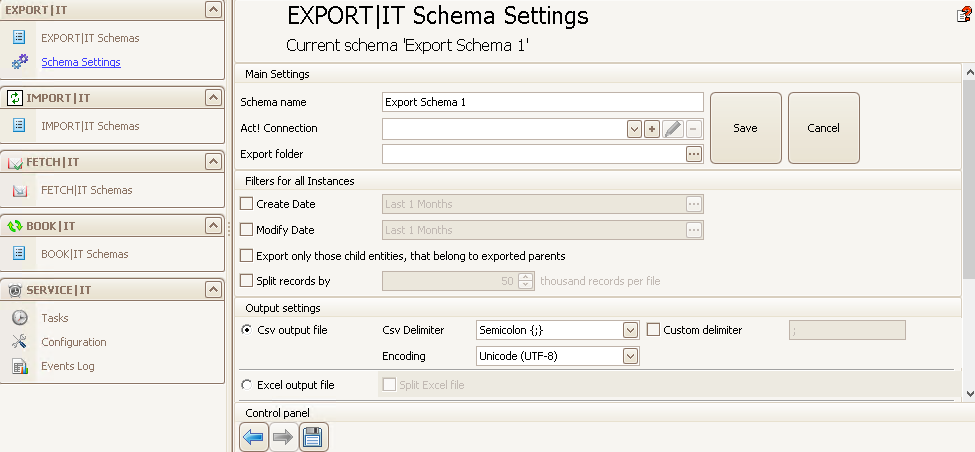
You can also get there by clicking on Main > New Schema.
On the left side in the navigation bar under EXPORT|IT you can see that the new subsection Schema Settings was created. In the main window you can configure your EXPORT|IT schema.
The next step you can find in the chapter Naming the database connection.

