With this feature you can total up the content of fields (with numbers) of subsidiary companies and insert the result into the appropriate field of the parent company, for example number of employees.
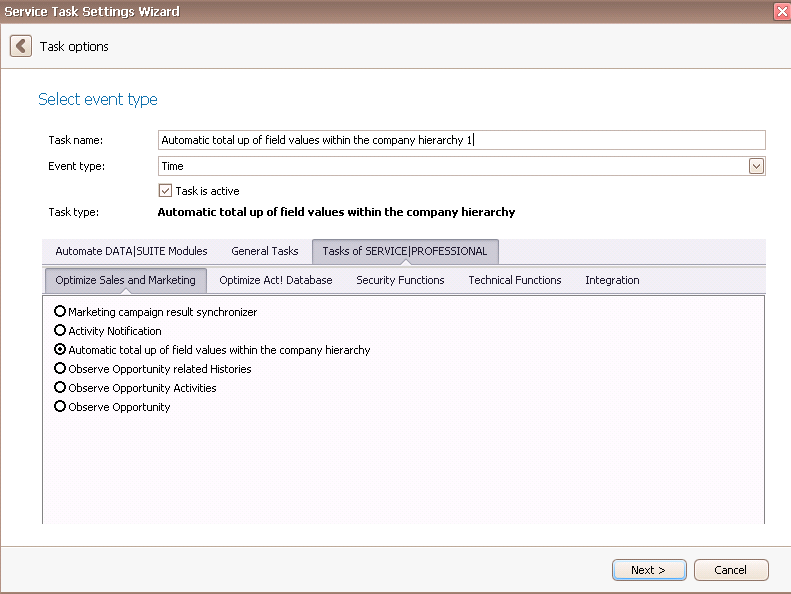
Once you have set the task type Automatic total up of field values within the company hierarchy you click on Next.
You will get to the schedule options. Continue reading in the Trigger Time / Trigger Task chapter to find out how to proceed.
Click on Next.
The following window will open:
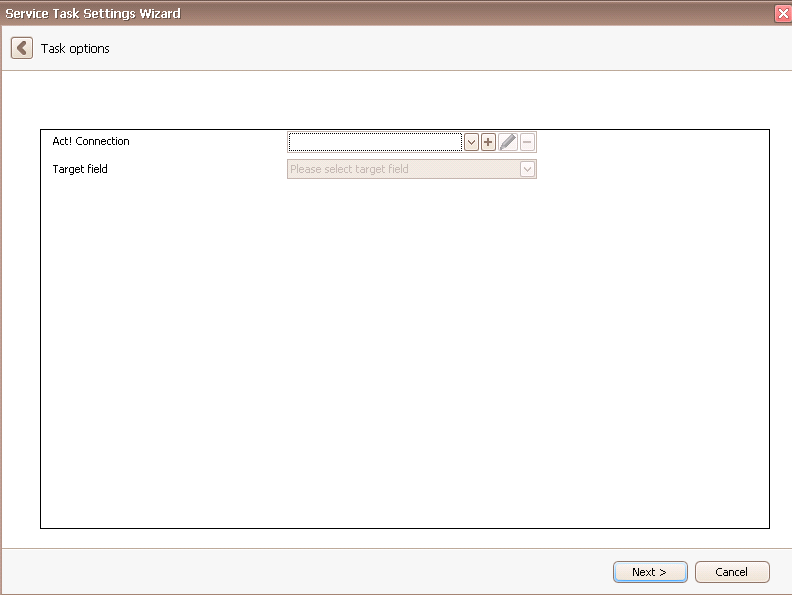
First you choose an Act! connection. You can read more about this in the chapter Connect DATA|SUITE with Act!.
Then you pick a target field of a parent company that the counted up numbers of the eponymous fields of the subsidiary companies will be copied to. An example for that would be the number of employees.
Click on Next. You will get to the following window:

In the end you click on Finish. You created a count up task!

