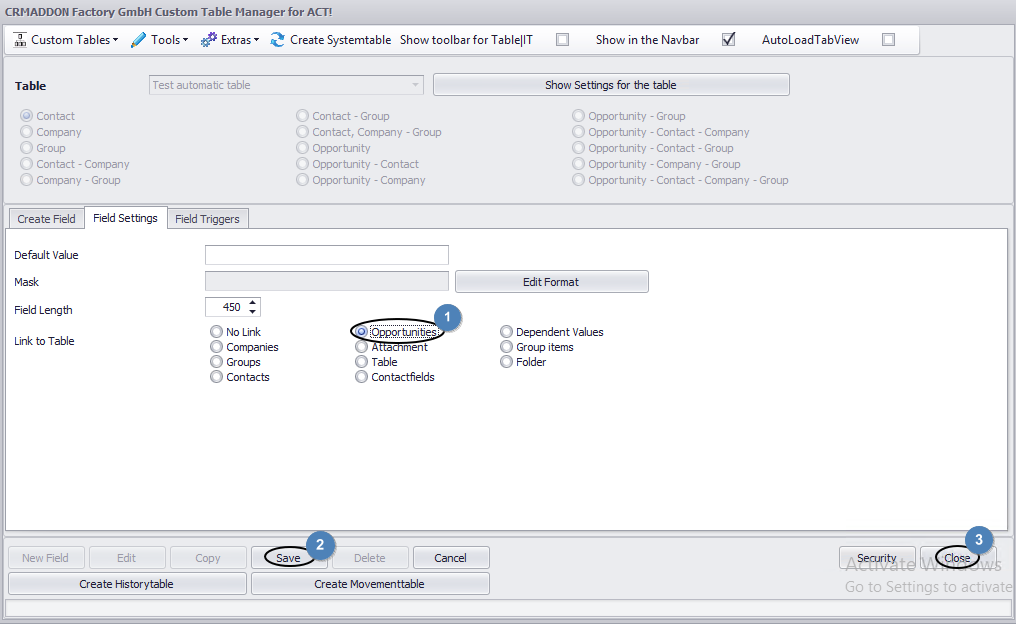
Under the tab Field settings you can enter the Act! data the field should be linked with. In this case please choose Opportunities (1). Click on Save (2) and then on Close (3).
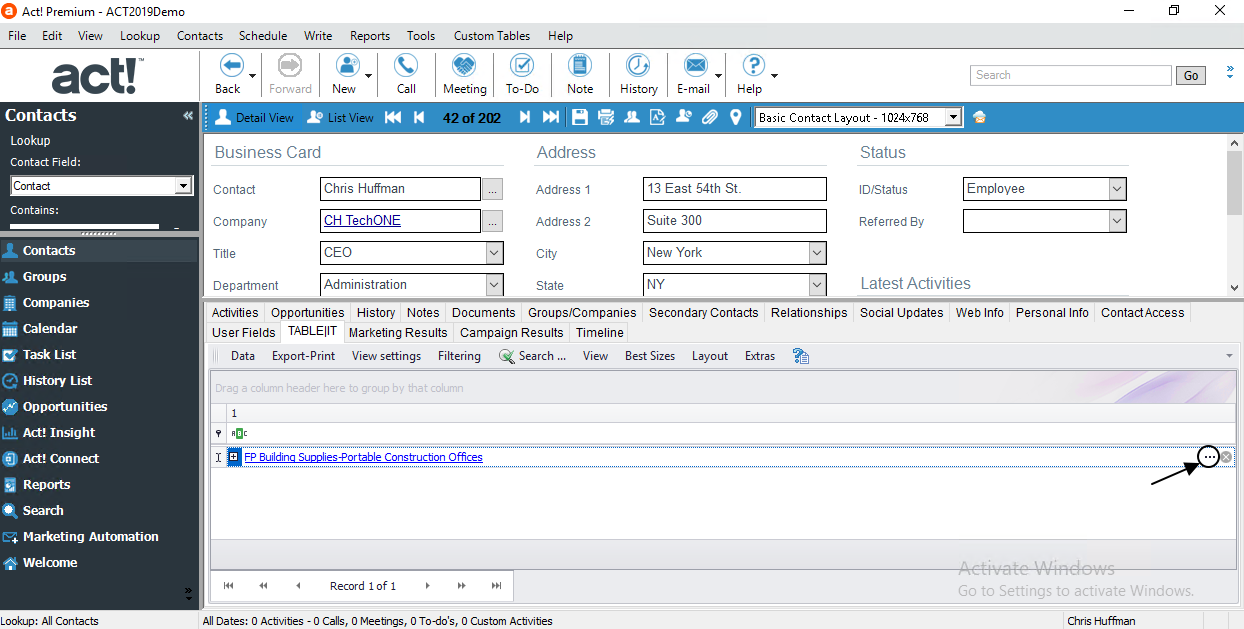
If you open your table now you see three dots in the right corner of your field:
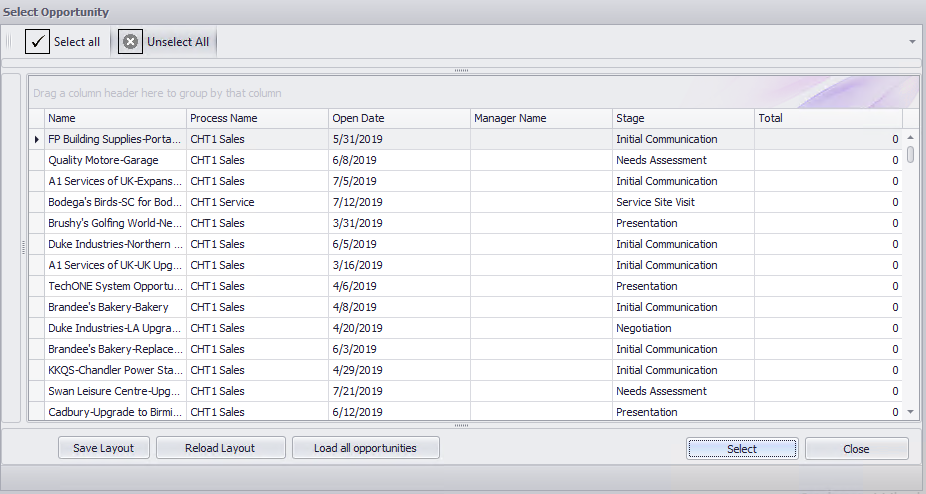
After a click on them a dialog opens where you can choose an opportunity: