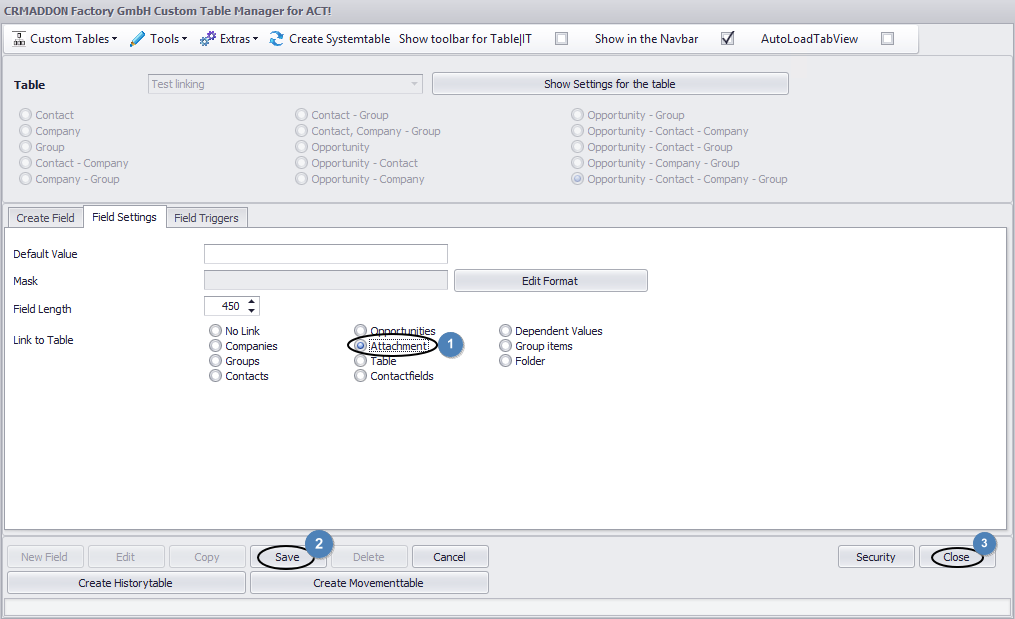
Under the tab Field settings you can enter the Act! data the field should be linked with. In this case please choose Attachment (1). Click on Save (2) and then on Close (3).
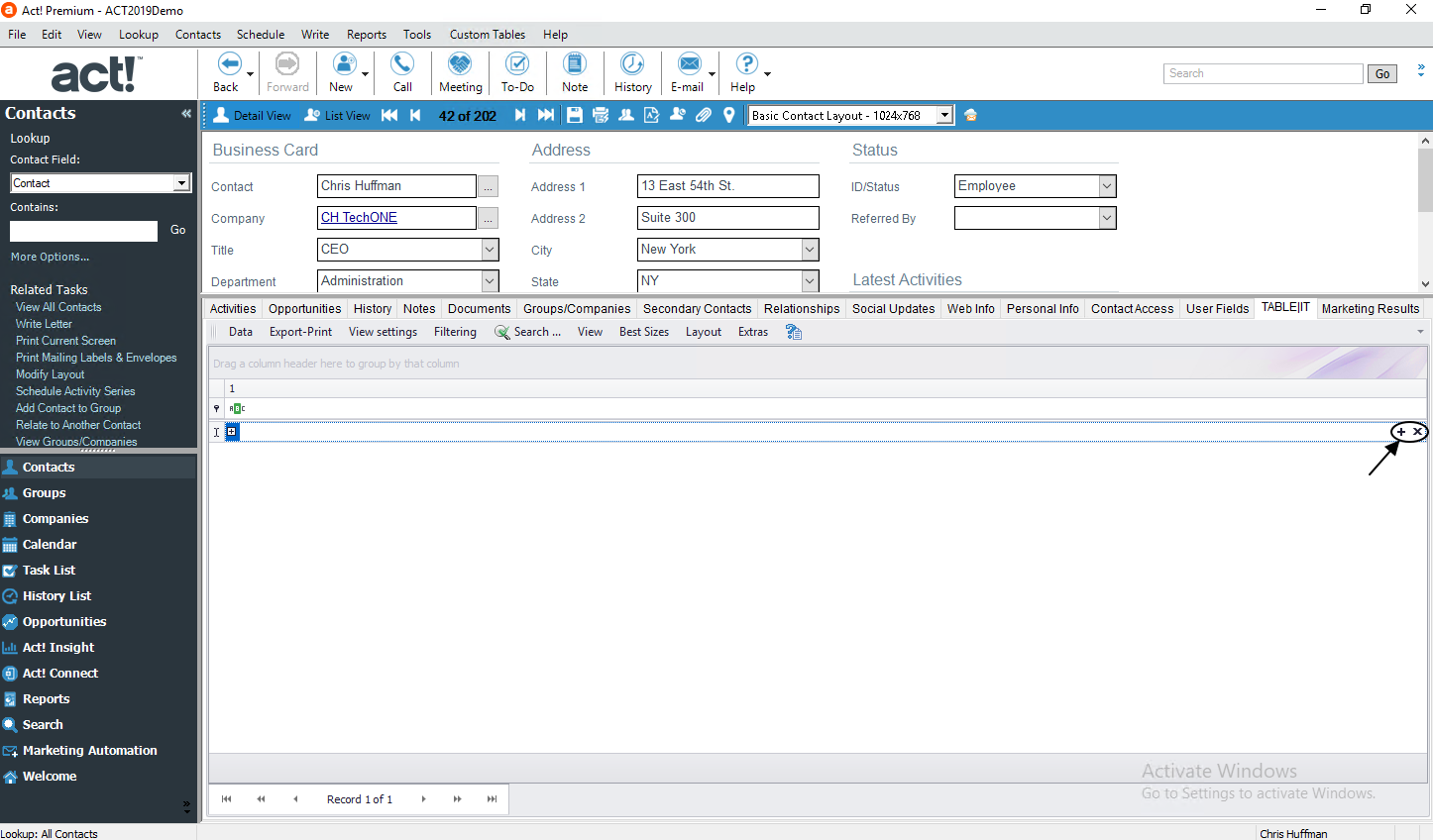
If you open your table now you see a + and an x in the right corner of your field:
After a click on the + a dialog opens where you can choose a file to attach to the field:
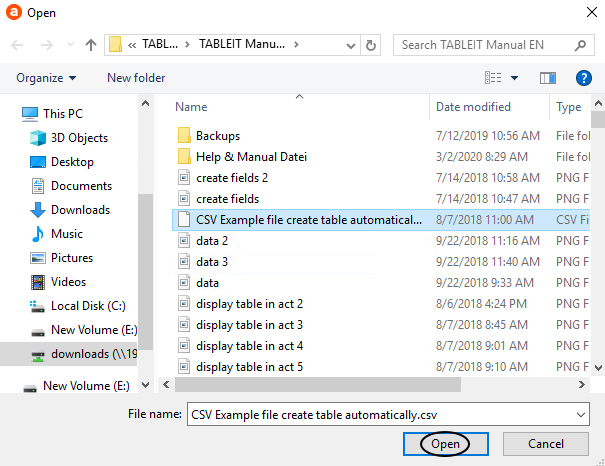
Next, you go on Open. The name of the document will now appear in the particular field. With a double-click you can open it.
In case you want to remove the connection to a document you go on the x in the right corner of your field. This window will open:
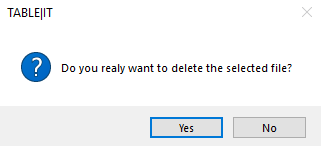
Click on Yes to delete the selected file. Otherwise go on No.

