Setting up the new account
Before you can log in to our ticket system, you need to register.
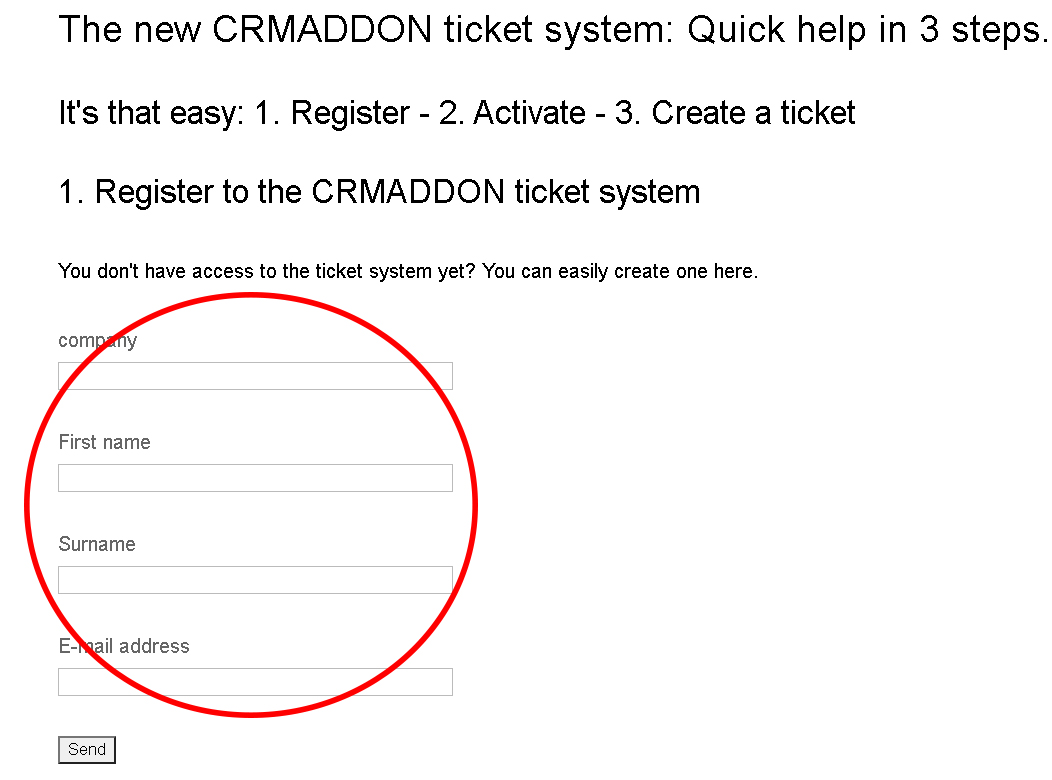
The account is quick and easy to set up.
Please enter your company, name and email address. Then click on "Submit".
Once you have registered, your details will be checked by an employee. You will then receive an email with further information.
We will contact you within one working day.
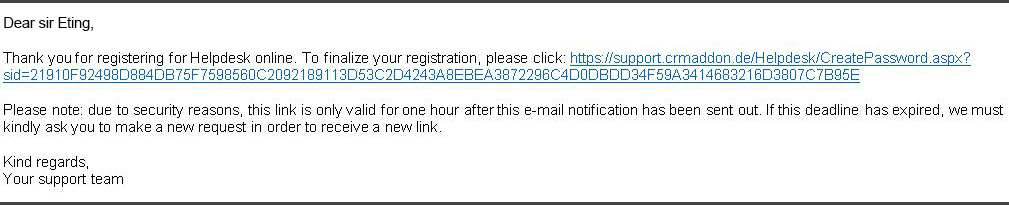
Click the link to set a password.
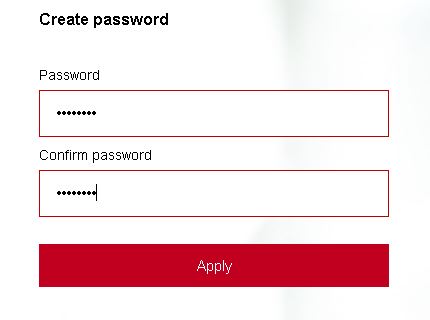
Enter a password with at least 5 characters and confirm the password by entering it again. Then click on "Apply".
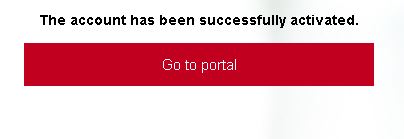
After you have clicked on the "Apply" button, this window will open. With a click on the button "Continue to portal" you get to the ticket system.

