In the DATA|SUITE you can send the log files via Help > License information to the support:

The following window will open:
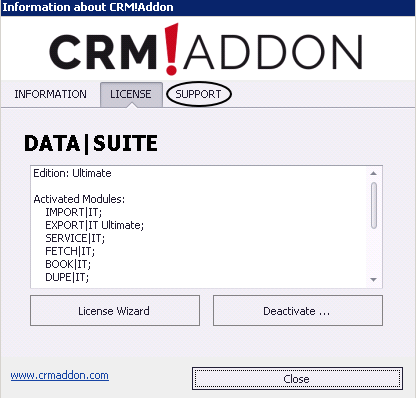
Go to the SUPPORT tab there.
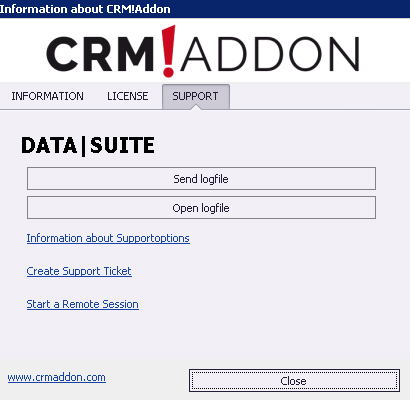
You can either open the log file at first or send it directly to the support.
If you click on Open logfile, the folder with all of the log files will appear:

There you can open the individual log files and look at them, if you want to. For every day a new log file is created (only in case there were any problems on that day, of course). The modification date shows when the log file was updated last. That is one way to check if the log file really does contain information about your problem.
You either attach the log file(s) to a ticket manually or send it automatically using the option Send logfile.
In case you clicked on Send logfile you will get to the following window:
Please enter the e-mail address you created your SUPPORT|SUITE account with. Then you add an error description or a reason for sending the logs. Please consider the tips for creating a ticket.
If you do not have a SUPPORT|SUITE account yet you can create one using the link in the bottom left part of the window. For that, continue reading in the chapter Log in to the Ticket System.
In the end you go on OK.

