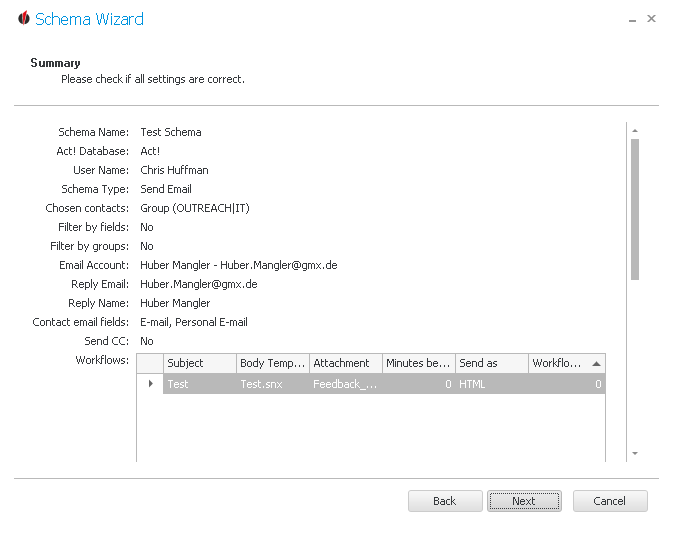
Now check if all of your settings are correct. If you see anything you want to change then you can get to the previous dialogs with the Back button.
Click on Next:
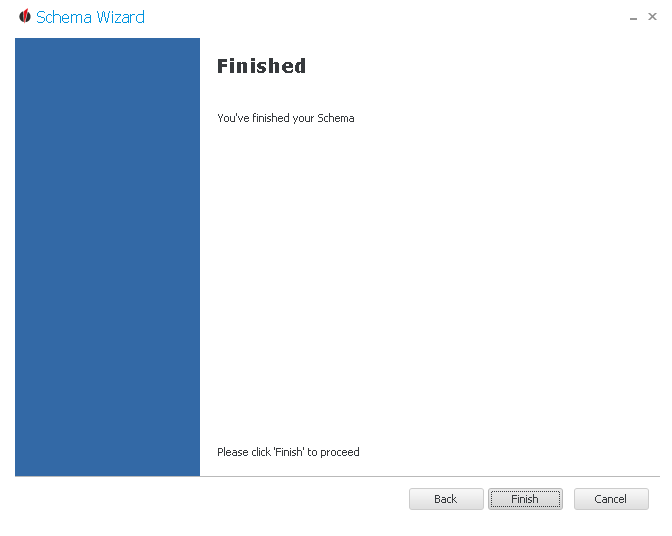
In the end you go on Finish.
Now the schema appears in the list of OUTREACH|IT schemas.
You can read about how to edit, copy or delete schemas in the chapter Edit, copy or delete schemas.