You should be here:
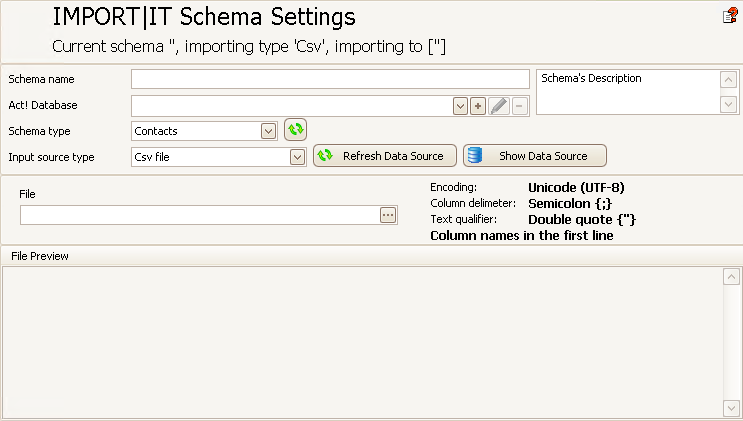
Now add a name for the schema as well as a description.
The best thing to do is to give the schema a name that indicates what this schema imports.
You can open a dropdown list with the arrow behind the field Act! database that lists all the databases that are already connected. With the + you can add new databases to the DATA|SUITE. You can read more about this in the chapter Connect DATA|SUITE with Act!.
Next comes the Source file and the schema type.

