If you click on Tools > Merge Act! DBs the following window opens:
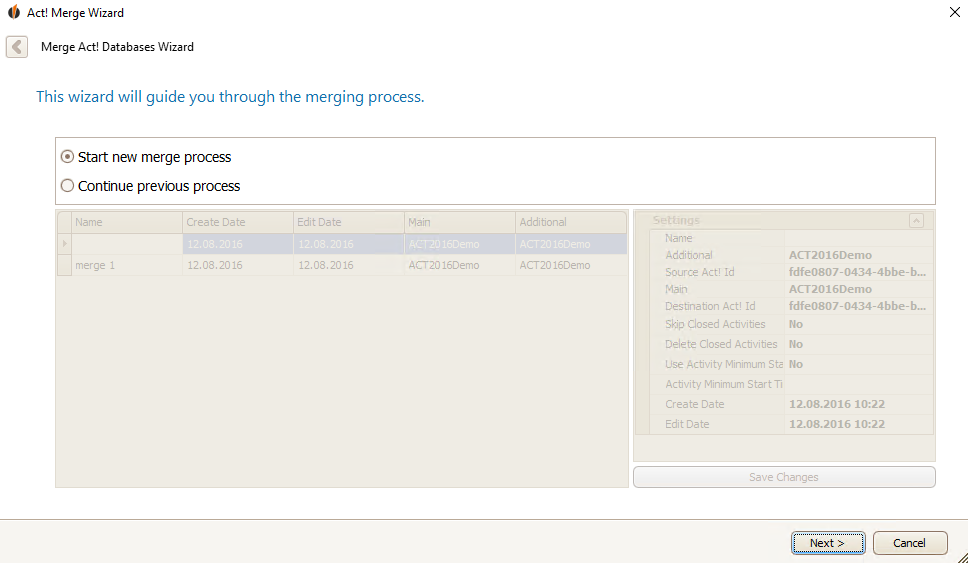
Click on Start new merge process and then on Next.
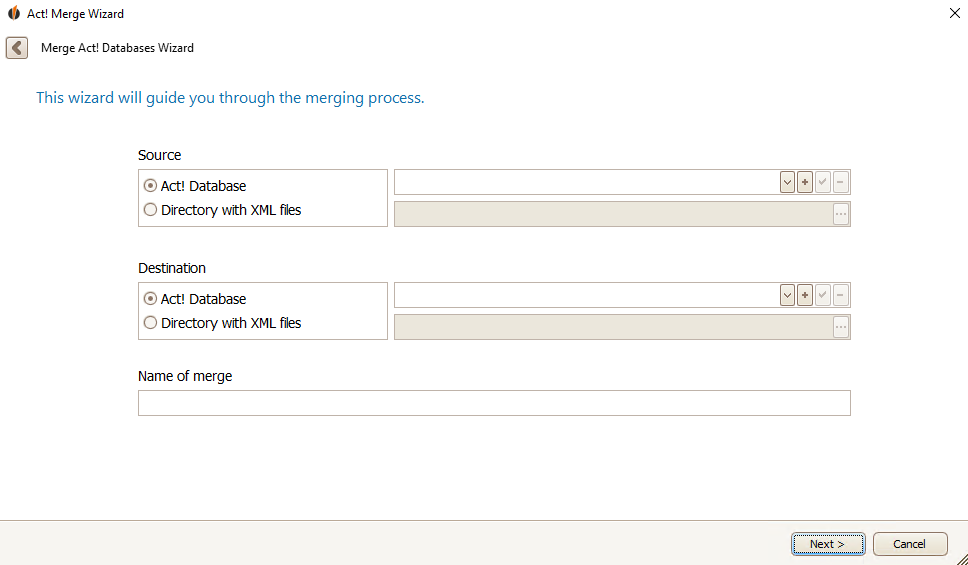
You can choose your desired source and destination database from the dropdown list. After that you enter a Name for the merge. In the end you click on Next.


