With this tool you can delete the custom tables (can be created with the ADDON TABLE|IT) in your Act! database.
Go to the menu point Tools > Custom tables.
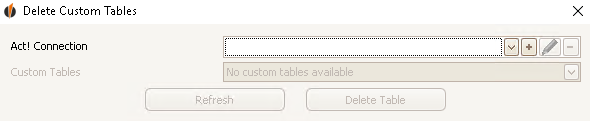
Choose a database from the dropdown list. After that you can pick a custom table.
Now you go on Delete Table.
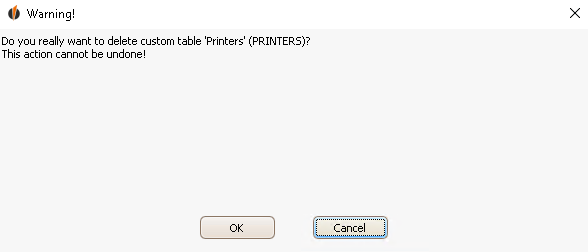
Click on OK. The table is deleted now.

