You can create a schema settings report. This is an HTML-file where all of your import schema settings are listed.
If you click on Tools > Create schema settings report the following window appears:
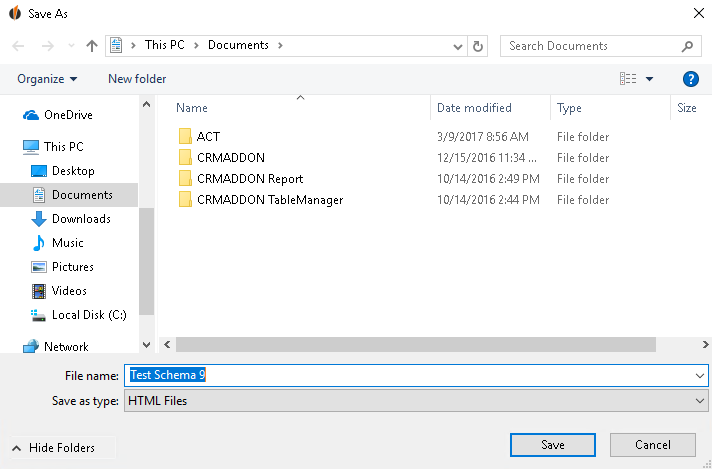
Enter a descriptive name for the schema settings report and save it in a directory where you can easily find it later.
If you open the file the report should look similar to this one:
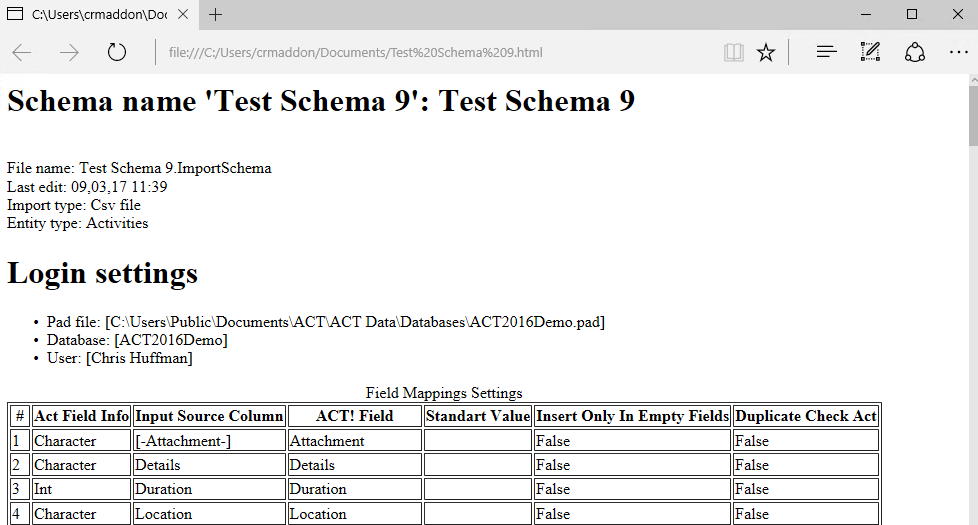
A schema settings report is helpful to see clearly what you are importing.

