If you want to delete activities in your Act! database you can do that here.
First you choose the import schema that is connected to the database you want to delete the activities in.
Click on Tools > Delete activities. The following window appears:

Click on OK.
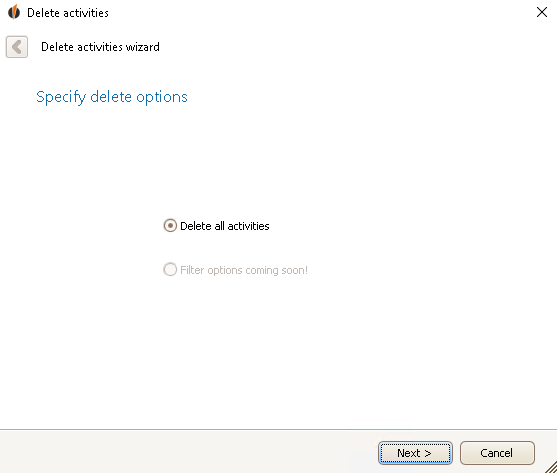
Click on Next.
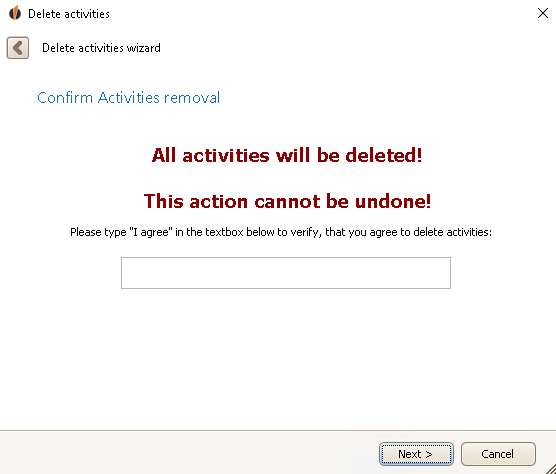
Type I agree in the text box and then click on Next.
You will receive information about how many activities were found and how many could be deleted successfully:
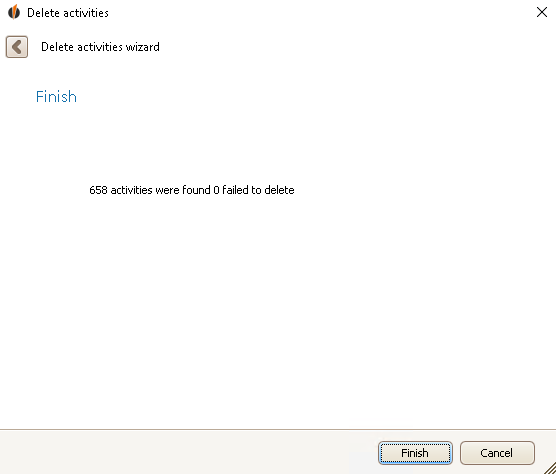
Click on Finish.

