Regularly run an EXPORT|IT schema you have chosen.
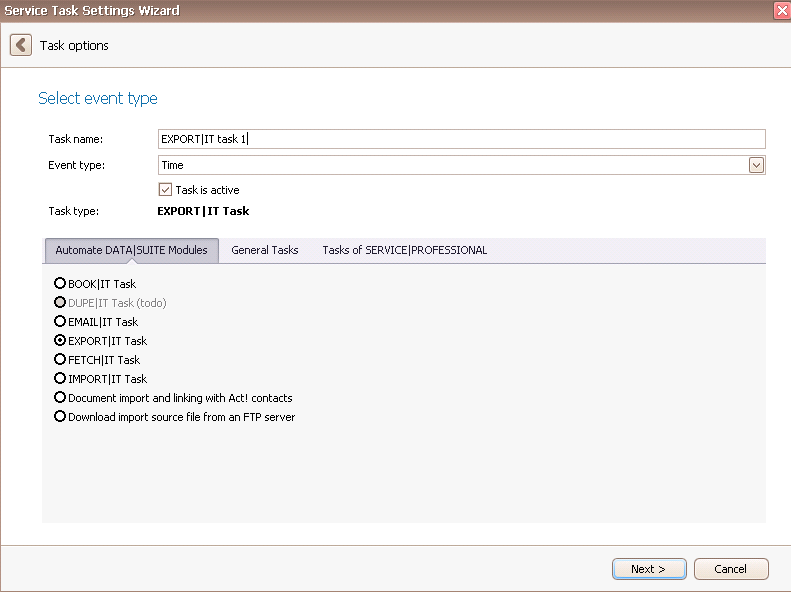
Once you have set the task type EXPORT|IT task you click on Next.
You will get to the schedule options. Continue reading in the Trigger Time / Trigger Task chapter to find out how to proceed.
Click on Next.
The following window will open:
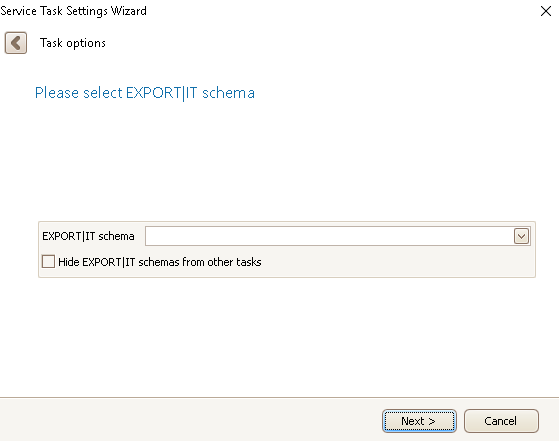
Now choose the desired EXPORT|IT schema. In the case that you have quite many schemas you can hide these schemas you have already used for other tasks.
Then click on Next.
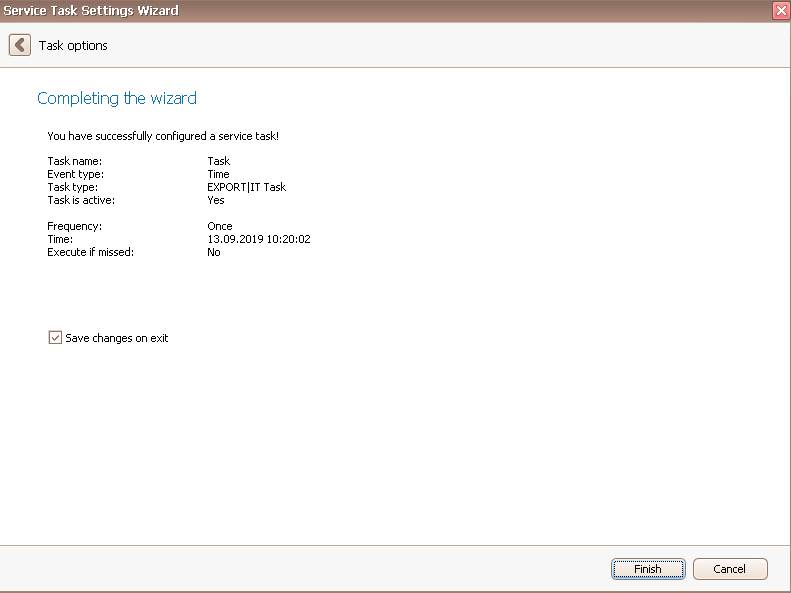
In the end you click on Finish.
You successfully created a task for the automatic export!

