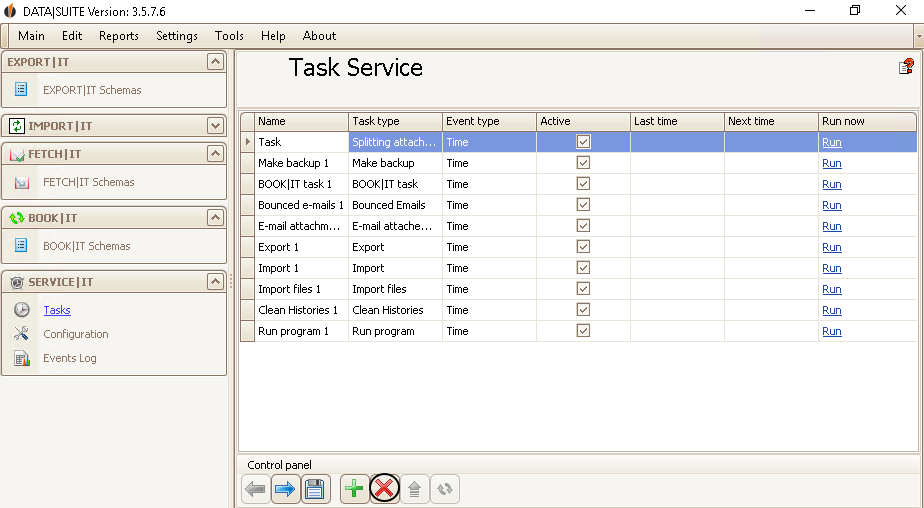
After creating some tasks you might want to delete or edit one of them.
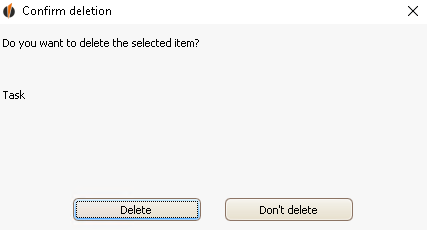
With a click on the red X you can delete the selected row. SERVICE|IT will ask you if you really want to delete that row:
Click on Delete.
For editing double-click on the desired task. The task settings wizard will appear. You can read about how to change each individual task in the chapter Create new task. |