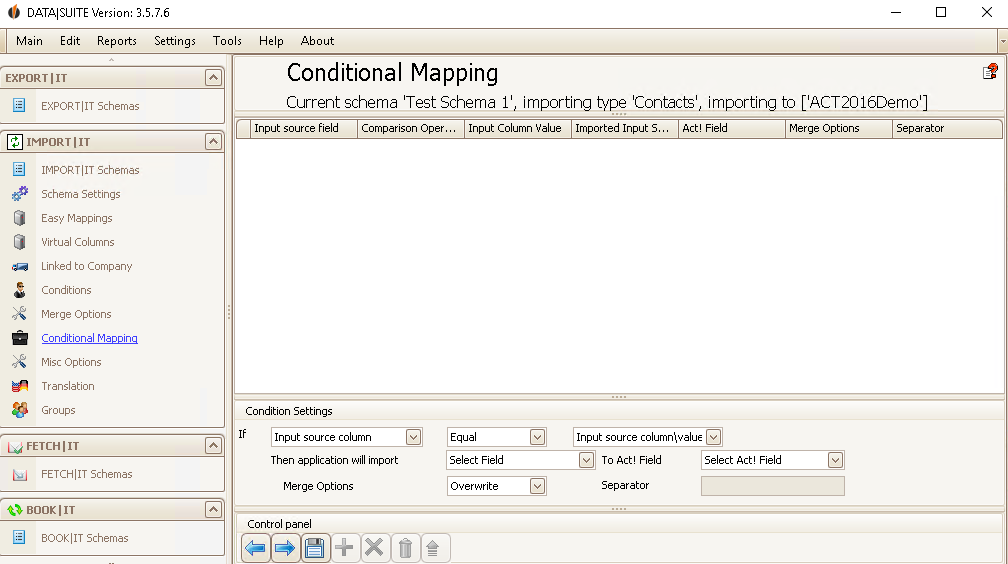
If a source field has a specific value then you can choose from different linking options for this field.
From the first dropdown list you choose an Input source column, e.g. company. Then you decide on an Operator, e.g. Equal. In the last field in this row you type in the value that the source field should contain/begin with/etc.
In the next row you choose the source field again, e.g. company, and then you pick the corresponding Act! field.
Under Merge Options you have the possibility to either overwrite or concatenate the record or to import it into empty fields. If you connect the data records you will have to enter a Separator that separates the already existing data and the new one. This way you will know what was added.
Finally you click on the Save symbol.
The next step are the Misc Options. |