If you go to Settings and then Act! database connection settings the following window will open:
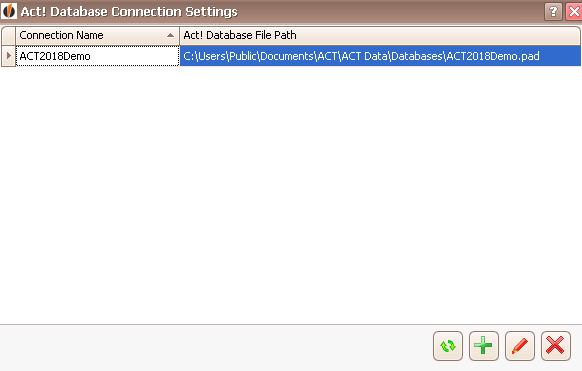
Here you can see all of the connections with Act! databases. You can update the list by clicking on  .
.
You can create new database connections with the  button and edit already existing ones with the
  button. You can read more about how to create an Act! connection or edit an already existing one in the chapter Connect DATA|SUITE with Act!.
You can also delete an Act! connection by clicking on  .
.

