After the download and opening the application the following window appears:
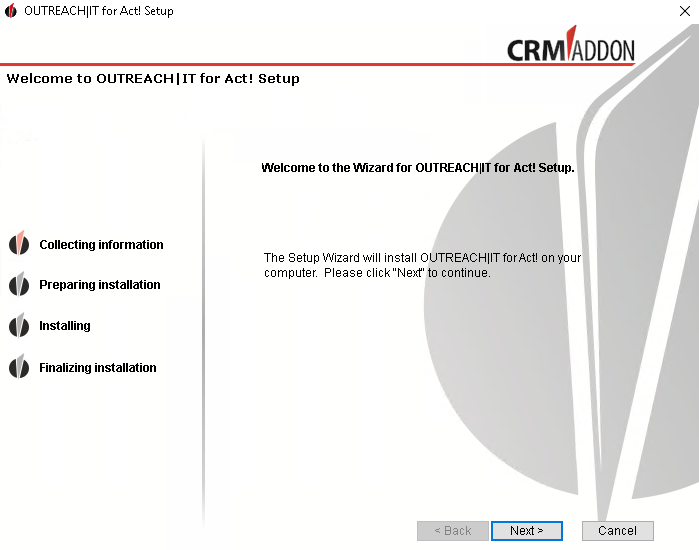
Please click on Next. The setup assistant will lead you through the installation process.
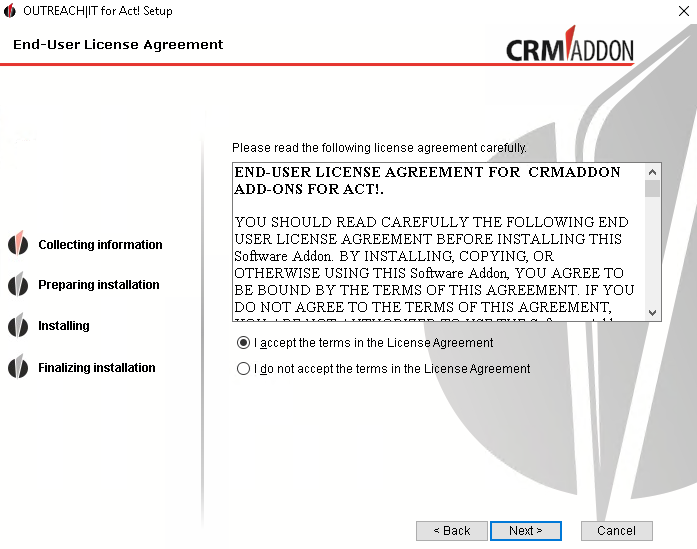
Read the license agreement carefully. Then choose "I agree with the license agreement" and click Next.
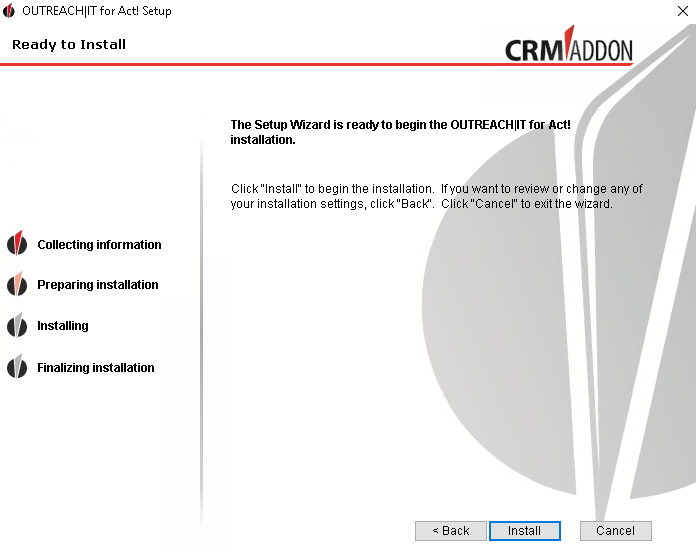
If you want to run the installation now, click on Install.

The installation is executed.
Now you wait until OUTREACH|IT has finished the installation. Then click on Finish.
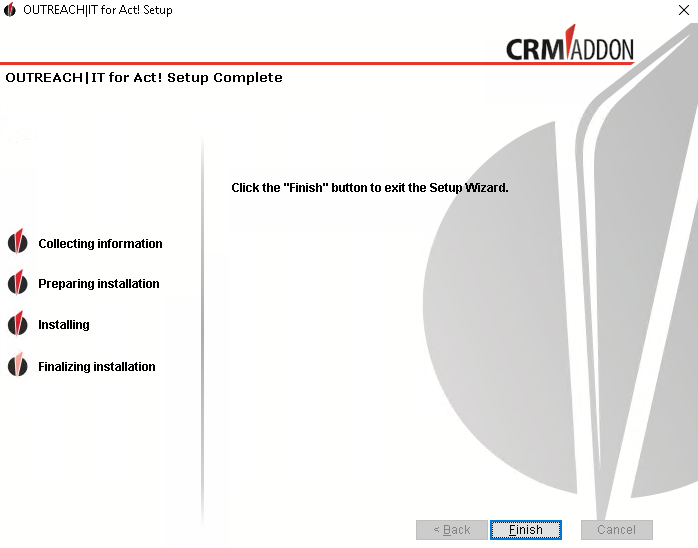
A website will be opened automatically where you can find out how to contact the support or where you can ask questions. There you also get to this manual.
Now you can find the software either on your desktop or in your program folder:

With a double-click on the file you open the following window:

You can read about how to configure OUTREACH|IT in the chapter Configure OUTREACH|IT.