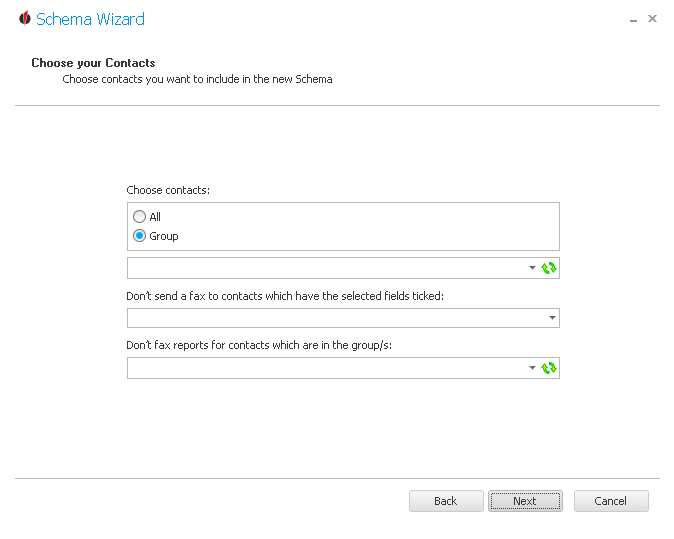
You can either pick all contacts or choose a group the schema should be performed for. For that you open the dropdown list and click on the desired group. In order to update the list you go on the  symbol.
You also have the possibility to limit the list of recipients by stating a field in Act! which will result, if the field is ticked, in the fax not being sent to those contacts.
Furthermore, you can pick a group whose contatcts no faxes will be sent to.
Now click on Next. You get to the RelayFax Options.