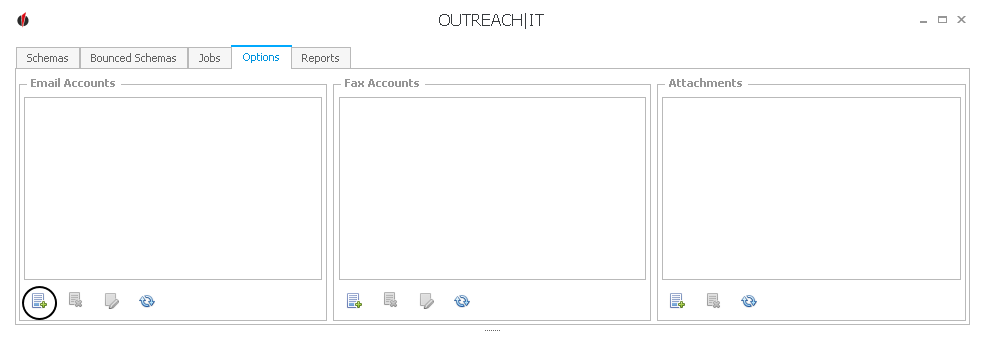
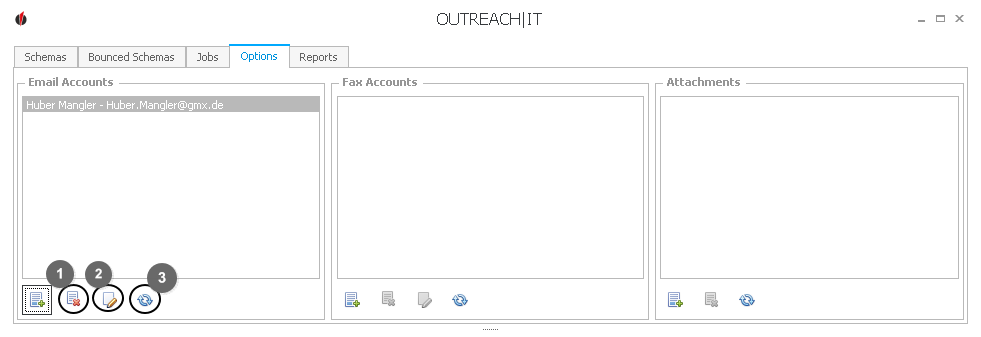
First you click on the
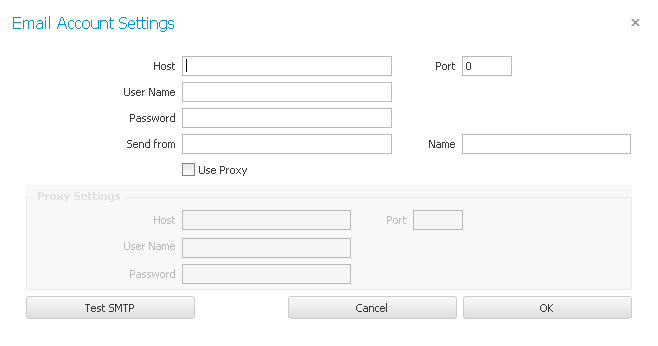
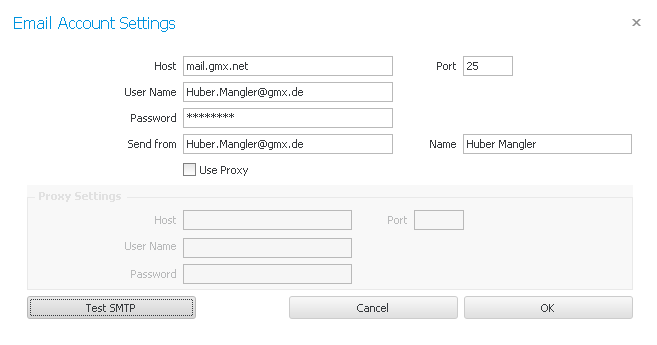
First you enter the Host and Port. You can request this information from your e-mail provider.
The User Name and the password are usually your e-mail address and the password.
In the Send from field you enter your e-mail address again and for Name you enter what your customers should see as the sender name.
If you want you have the possibility to indicate your own proxy settings. The necessary information (host, port, user name, password) can be requested from the responsible IT employee.
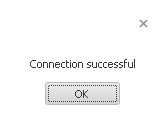
Now click on Test SMTP. The following window appears:
Click on OK.
Click on OK again.
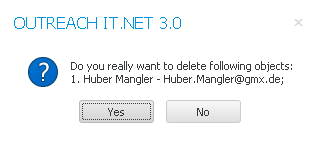
You cane now see the e-mail account in the list. When you click on symbol nr.1 you delete the account:
If you click on Yes, the account will be deleted.
With the second symbol you can edit the e-mail connection.
You update the list with symbol nr.3. |