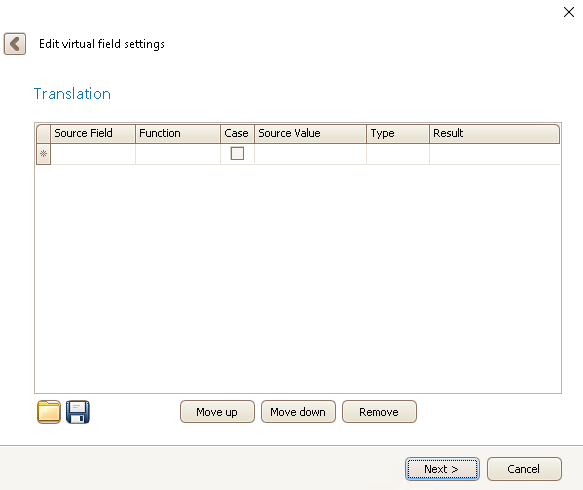
First you choose a Source field and then an operator (e.g. "Is equal to") under Function. After that you decide on the Source value of the field and as a Type you pick either value or field, depending on if you want to translate the value or field name. If you tick Case, the program will be case sensitive for the Result value. As a Result you type in the value that should replace the first one.
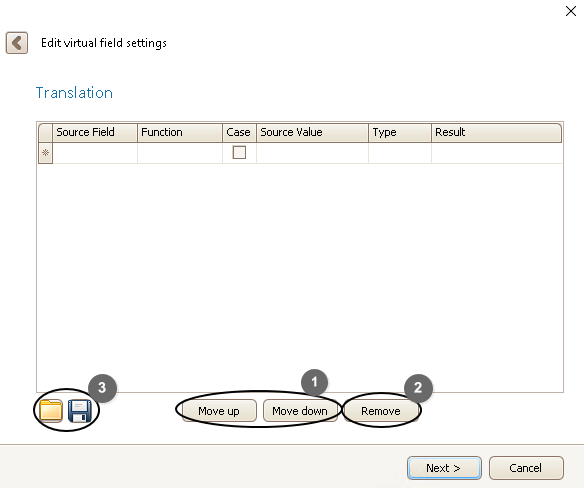
If you click below the last row you create a new translation. With Move up and Move down buttons (1) you are able to move around the rows and with the Remove button (2) you can delete a selected row. By clicking on the Save symbol (3) you create a file with the translation. After having created and saved a translation you can then open it by clicking on the Folder symbol (3).
Once you are done, click on Next.
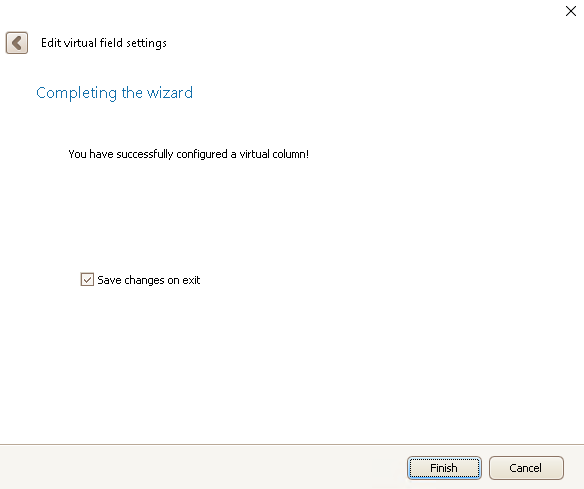
In the end you click on Finish. You have created a virtual field!

