After creating a schema you can run an export with this schema. First you go to the list of EXPORT|IT schemas:
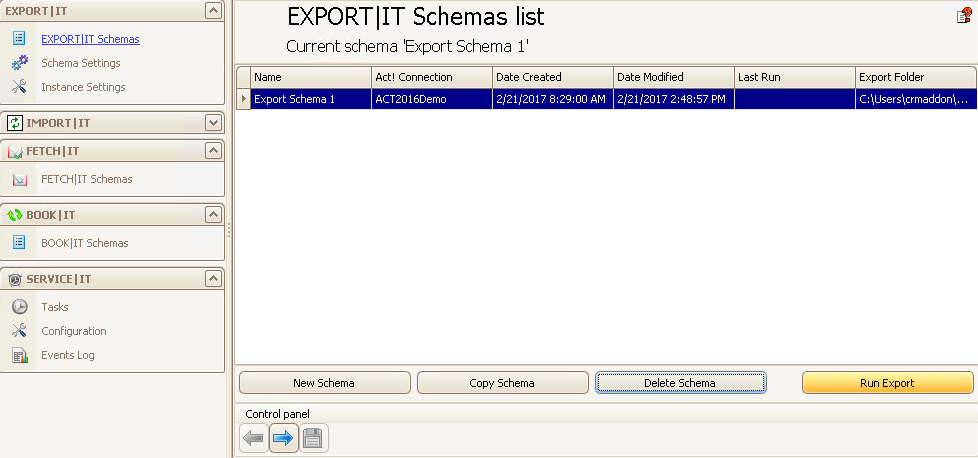
Select the schema you want and click on Run Export. Alternatively click on Main > Run selected schema. The following window appears:
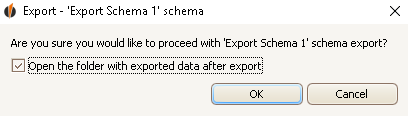
If you want to open the folder with the exported data after the export, tick Open the folder with exported data after export. Click on OK then.
In case you want to run an export where you export the data records containing line breaks into a CSV file then the following window will appear:
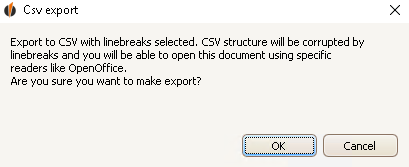
Click on OK.
The export will start now:
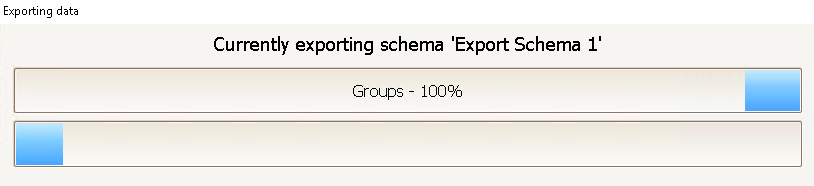
When this window has disappeared you can go to the place where you saved the files and open them. You can read about how to open the particular formats in the chapter Output settings.

