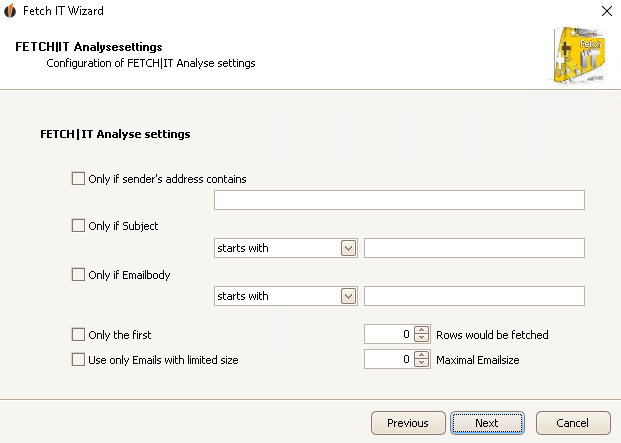
Here you enter which e-mails FETCH|IT should analyse.
You can filter the e-mails using the sender's address, the subject or the e-mail body. There is also the possibility to only analyse a certain amount of rows or only analyse e-mails with limited size.
These are mandatory fields, that means you have to choose at least one setting.
Then you click on Next. Now you have to choose the Save settings for e-mails.

