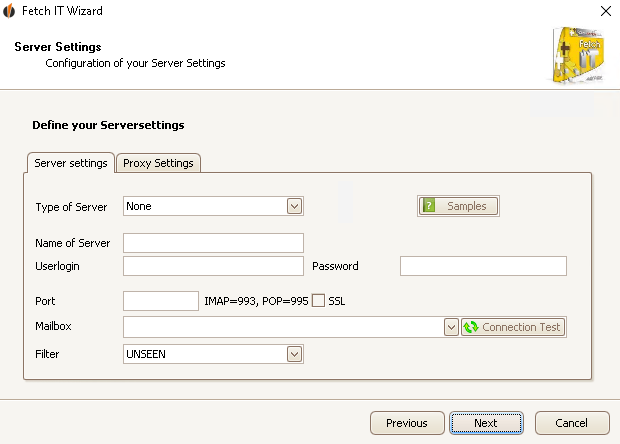
Here you configure your e-mail server settings. The Type of the server (IMAP, POP3 or ExchangeService) and the Name of the server can be requested from the e-mail provider. The User login and Password are your e-mail address and password usually. The port can also be requested from the e-mail provider. Then you choose a mailbox. If you want you can filter the e-mails by unseen e-mails.
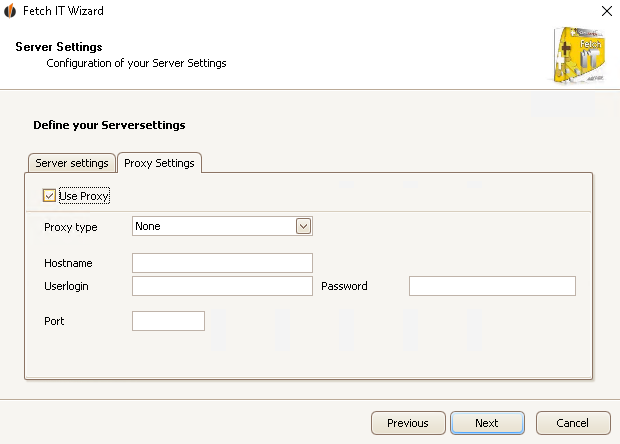
Under the tab Proxy Settings you can define your own proxy settings. Enter the Proxy type as well as the Hostname, the User login, the Password and the Port.
Click on Next. You will configure the FETCH|IT Analyse Settings now.

