Act! CRM adapts to your changed needs. Below you can read how you can expand your license.
License extension in four steps
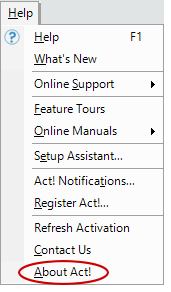
Step 1: Open the Act! Help, then click "Update Activation".

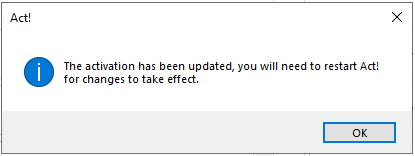
Step 2: Finally, click "Ok" for the change to take effect.
Step 3: Left-click the mouse to find out more information about the version of Act!
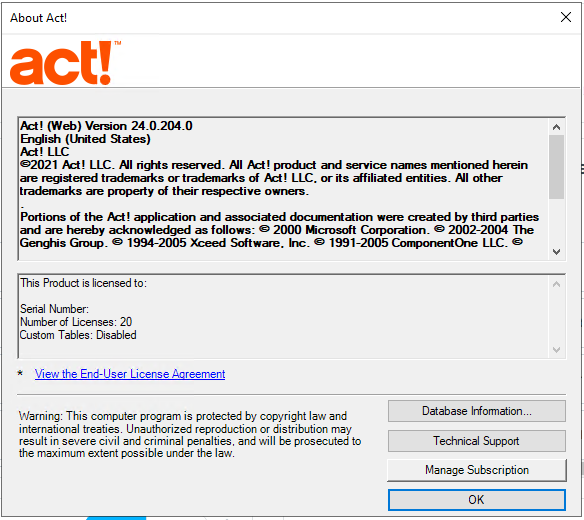
Step 4: Here you can see everything in the About Act! is included.