Option 1: directly after installation
You license the addon directly in Act! after you have installed it, whether you want to use the demo version or the full version.
As soon as you open Act! for the first time after installation, you will see the licensing window:
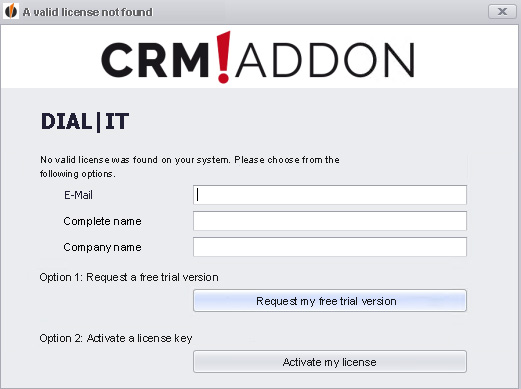
No matter if you want to use the demo or a full version, please enter your e-mail address, your full name and your firm name first.
Do you want to test DIAL|IT first? Then click on Request my free trial version. In a few seconds your trial license will be registered for DIAL|IT.
Otherwise go to Activate my license.
You can read more about how to license an addon from CRMADDON Factory e.K. in our licensing guide.

