The following dialog appears:
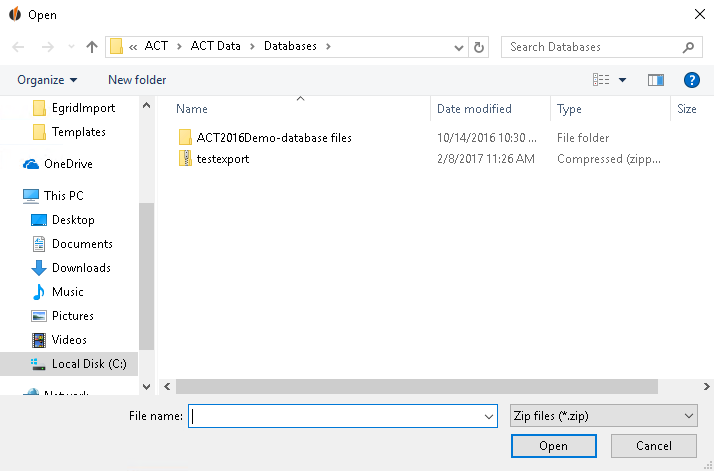
Now choose the file with the settings you want to import. Click on Open.
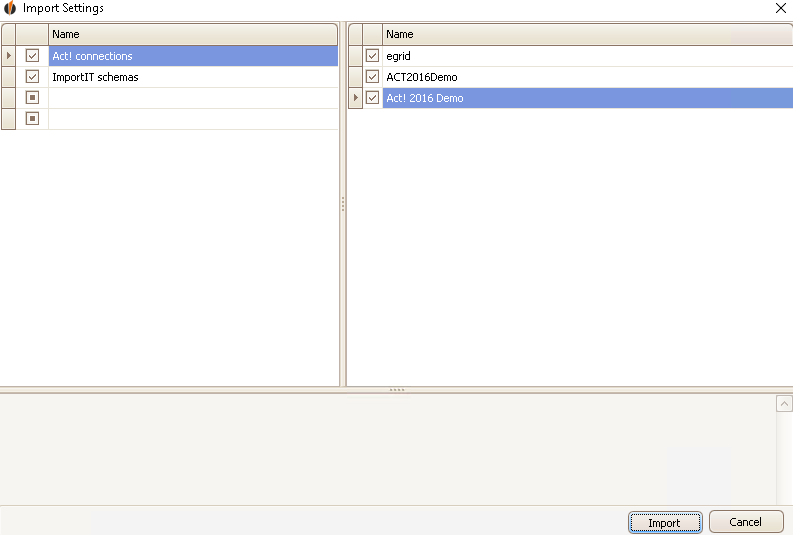
Tick the settings you want to import and click on Import.
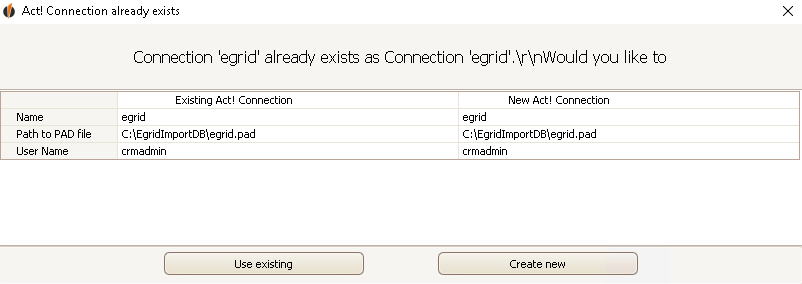
If you want to import an existing Act! database connection the program will ask you if a new connection should be created or if the existing one should be overwritten with the new one. Click on the particular option.
In the end a window apppears, saying that you have imported the settings successfully.
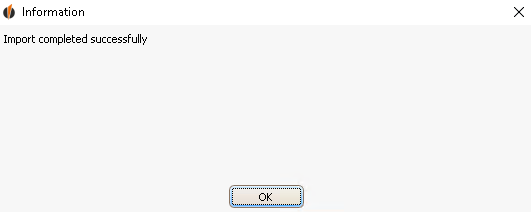
Click on OK.

