In order to edit the relation settings click on Relation settings in the navigation bar.
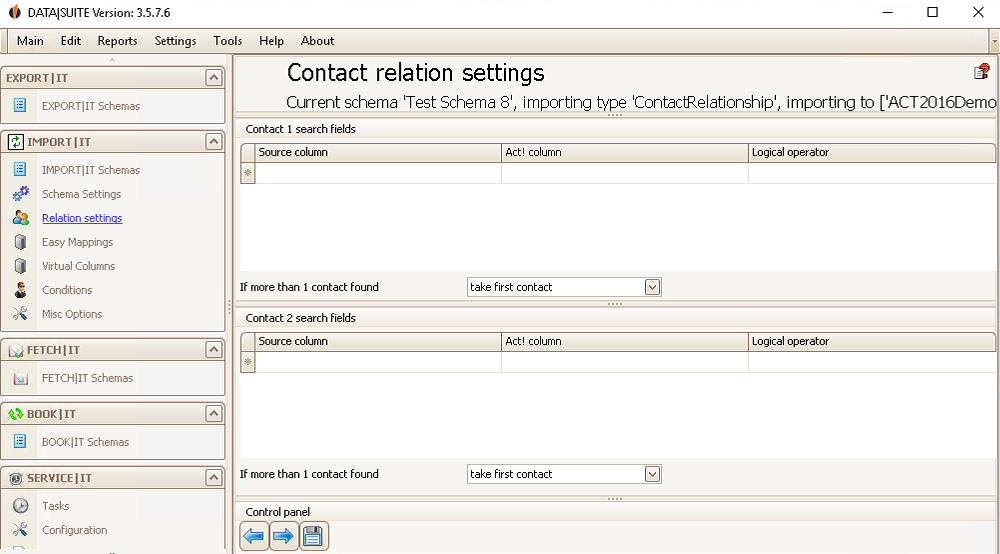
Here you can assign the source fields to the corresponding Act! fields. This works kind of like the Easy Mappings only that here you can assign different fields to the first and second contact and not like in Easy Mappings to both of the contacts.
If there was more than one 1./2. contact found in your source file you can decide on whether to import all of the contacts, only the first one or none of the contacts.
In the end you click on the Save symbol.

