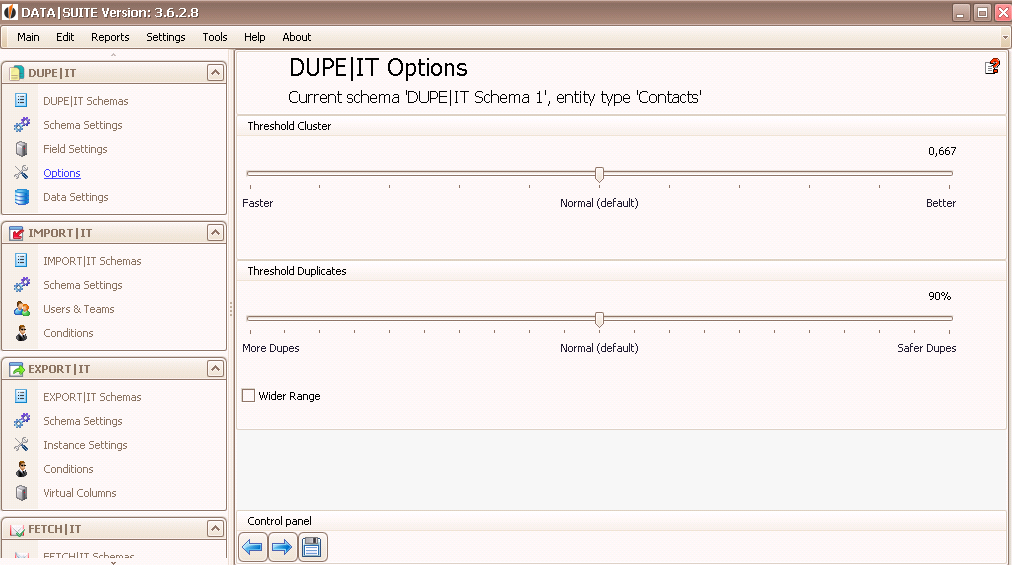
Here you set the threshold for the clusters as well as for the duplicates.
When performing a regular duplicate search you leave the controller for the Cluster threshold in the middle. It is only useful to move the controller all the way over to the right in rare cases. The search process is getting a lot more precise but also significantly slower. For extensive databases move the controller a bit to the left to decrease the cluster size and speed up the search.
Choose the threshold for clusters for the conformity of data records. Default is 90%. You can perform the duplicate search again later with a different threshold. When too many duplicates were found you need to increase this value. Choose lower value when not enough duplicates were found.
Next, you go to the Data Settings.

