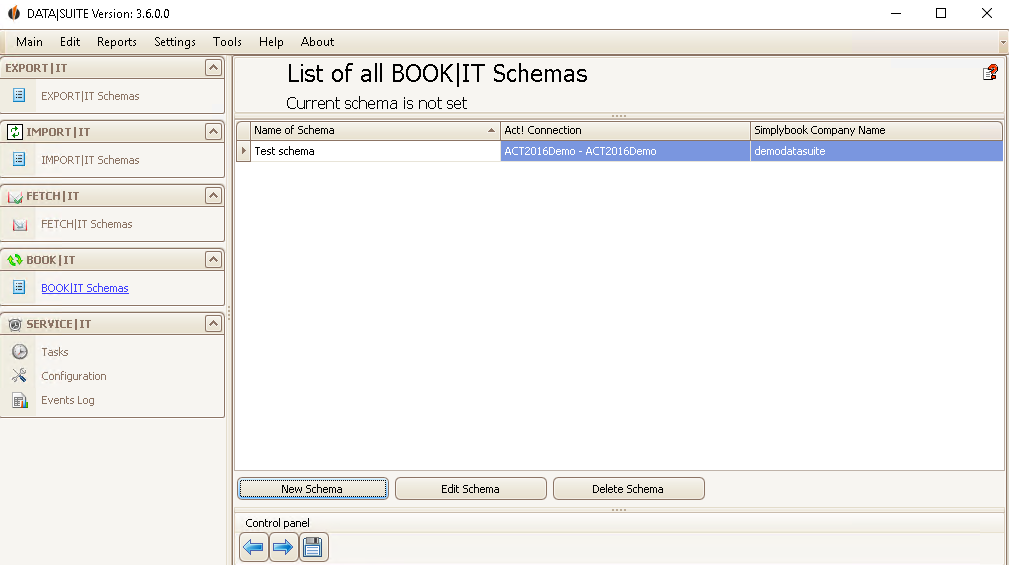
Once you created a schema you can edit or delete it. When you want to edit the schema select the desired one and click on Edit Schema. The BOOK|IT wizard will open. You can find out more about it in the chapter Create new schema.
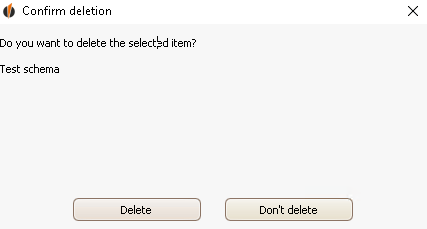
In order to delete it you select the schema as well and then click on Delete Schema. You will be asked if you really want to delete the selected rows:
Click on Delete. You deleted the schema successfully. |