When you activate a new license you have the possibility to manually edit the proxy settings.
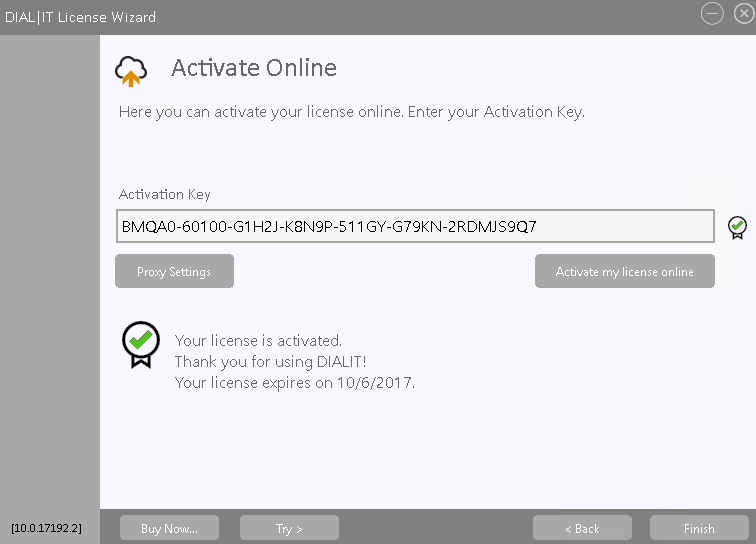
For that, click on the  button and the following window appears:

Here you can enter the host and the port of your proxy server if you use one (do not forget to tick Specify the host and port of the proxy server). If you encoded your server with a user and a password you also have to enter this information here, together with the domain (do not forget to tick Use an authenticated server to connect to the internet).
Once you are done, click on OK. In case you do not want to use a proxy server go on Cancel.
Continue reading in the Online activation chapter.